In this article
- Start Here: 5 Quick Checks
- Printer Shows “Offline” in Windows
- Print Jobs Stuck in the Queue
- Windows Is Printing to the Wrong Printer
- Reinstall the Printer Driver
- Printer Prints Blank, Faded or Streaky Pages
- Paper Jams
- Wi-Fi Printer Not Found
- Printer Ink, Toner and Parts in Nepal
- Printer Not Printing FAQ
- Why does my printer say Offline when it is on?
- How do I clear a stuck print queue?
- Why does my printer print blank pages?
- My printer stopped working after a Windows update. What do I do?
- Why does my printer keep jamming?
- Need Printer Repair or Setup?
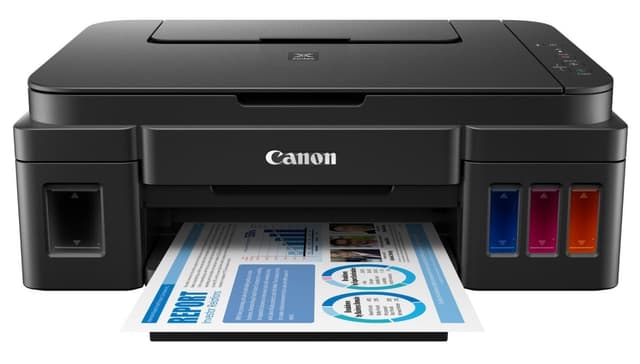
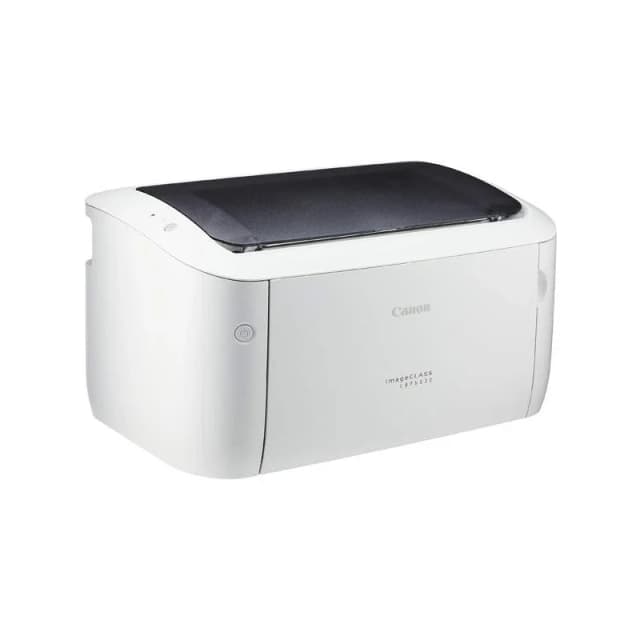
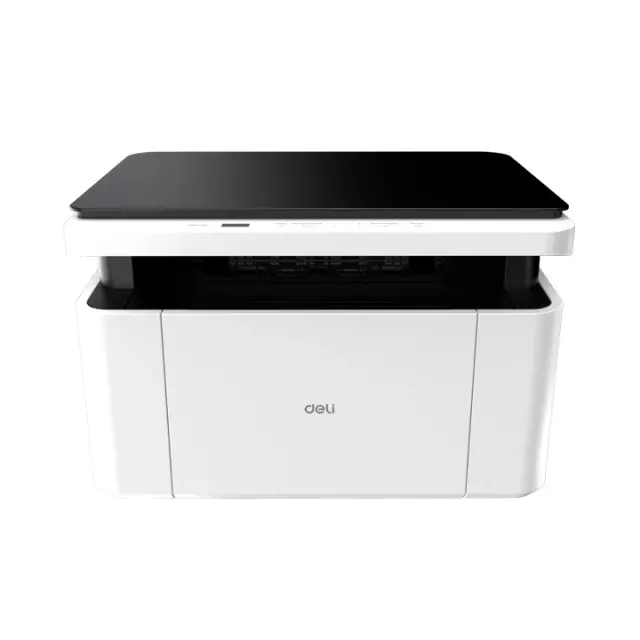
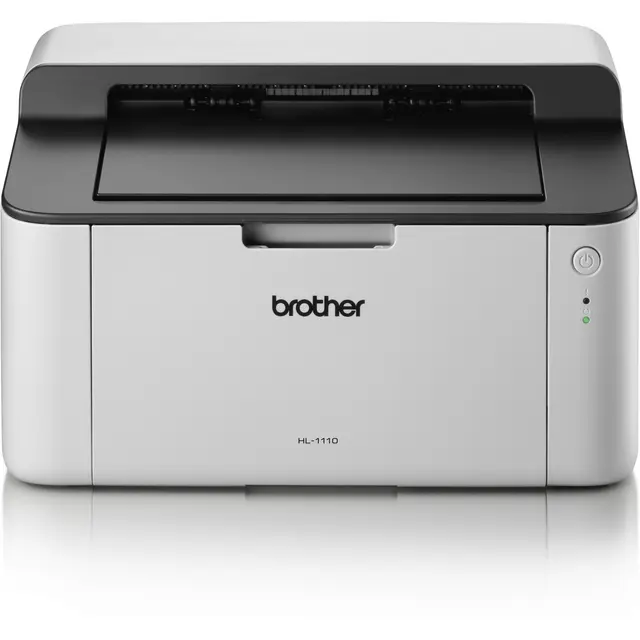
Your printer is not printing and the deadline is close. The cause is usually simple: the printer shows Offline, a job is stuck in the queue, the wrong printer is selected, or the driver needs reinstalling. This guide walks through the fixes in order, for Canon, Deli, Brother and other printers on Windows 11 and 10.
Start Here: 5 Quick Checks
Is the printer on, with no blinking error light? Turn it off, wait 30 seconds and turn it on again.
Is there paper in the tray, and is the cover fully closed?
Is the USB cable firmly in at both ends? Try another USB port, and avoid USB hubs.
For a Wi-Fi printer: is it connected to the same Wi-Fi network as your computer?
Restart the computer. It clears many print problems on its own.
Printer Shows “Offline” in Windows
Open Settings → Bluetooth & devices → Printers & scanners and select your printer.
Click Open print queue. In the Printer menu, make sure Use Printer Offline is not ticked.
If it is a Wi-Fi or network printer, restart the router and the printer. A printer that got a new IP address from the router can show Offline; print its network configuration page and check that it has an IP address.
Still offline? Remove the printer (Remove button on the same page) and add it again, or reinstall its driver.
Print Jobs Stuck in the Queue
One stuck document can block everything after it. Open the print queue and choose Printer → Cancel all documents. If the jobs will not go away, restart the Print Spooler service:
Press Windows + R, type services.msc and press Enter.
Find Print Spooler, right-click it and choose Restart.
Print again.
Windows Is Printing to the Wrong Printer
Windows can switch the default printer to the one you used last. In Settings → Bluetooth & devices → Printers & scanners, turn off Let Windows manage my default printer, then select your printer and choose Set as default. Also check the printer name in the Print dialog of the app you print from.
Reinstall the Printer Driver
A missing or damaged driver is the most common reason a printer stops working after a Windows update or reinstall. Remove the printer, unplug the USB cable, install the latest driver from the maker's website and connect the cable only when the installer asks. Step-by-step guides with the official download links:
Windows also has a built-in printer troubleshooter: Settings → System → Troubleshoot → Other troubleshooters → Printer (on newer Windows 11 it opens in the Get Help app).
Printer Prints Blank, Faded or Streaky Pages
Problem | Likely cause | Fix |
|---|---|---|
Blank pages from a laser printer | Empty toner, or the cartridge's protective tape not removed | Check and refill or replace the toner cartridge |
Faded prints from a laser printer | Toner running low | Take the cartridge out, rock it gently side to side, put it back; refill or replace soon |
Lines or smudges on laser prints | Worn drum or dirty rollers | Replace the drum unit or cartridge; clean the paper path |
Missing colours or lines on an ink tank printer | Blocked print-head nozzles or low ink | Run a nozzle check and print-head cleaning from the printer's software or buttons; top up the ink |
Ink tank printer prints blank after weeks unused | Dried ink in the print head | Run cleaning, then deep cleaning; print a page every week to prevent it |
Toner or ink running out often? See toner refill vs new cartridge: cost per page compared.
Paper Jams
Turn the printer off, open the covers and pull jammed paper out slowly in the direction it travels; tearing it leaves pieces inside.
Fan the paper stack before loading it, do not overfill the tray, and set the paper guides snugly.
Use plain paper of the weight the printer supports; damp or curled paper jams more.
Jams that keep coming back usually mean worn pickup rollers: our printer service can replace them.
Wi-Fi Printer Not Found
Most home and small-office printers connect to 2.4 GHz Wi-Fi only. If your router uses one name for 2.4 and 5 GHz, the printer may fail to join; see how to fix Wi-Fi at home and office.
After changing the router or its password, connect the printer to Wi-Fi again (printer menu or the maker's app), then add it again in Windows.
Keep the printer within good range of the router; walls and distance cause dropouts.
Printer Ink, Toner and Parts in Nepal
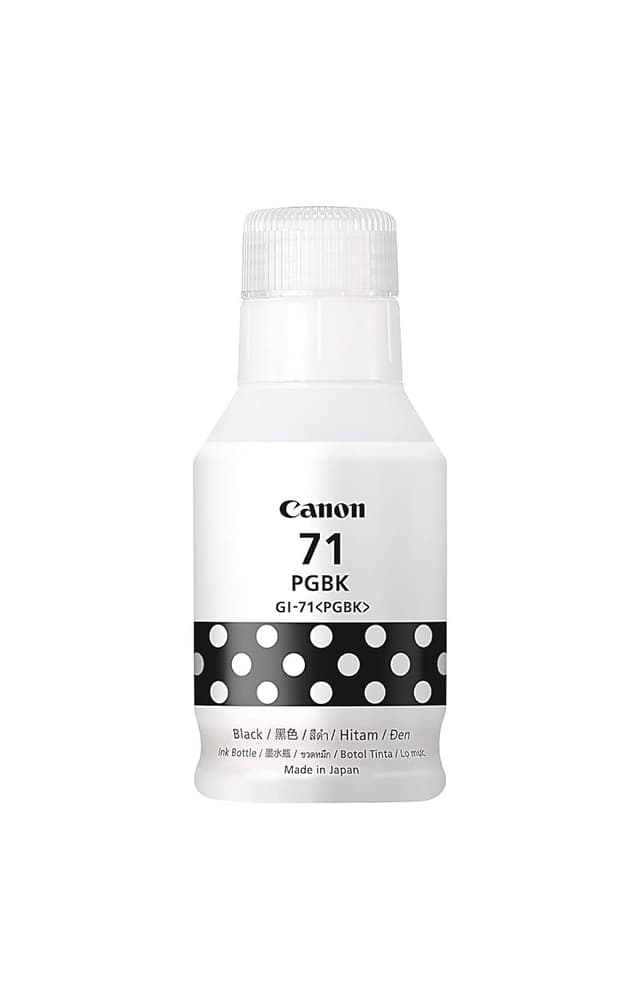
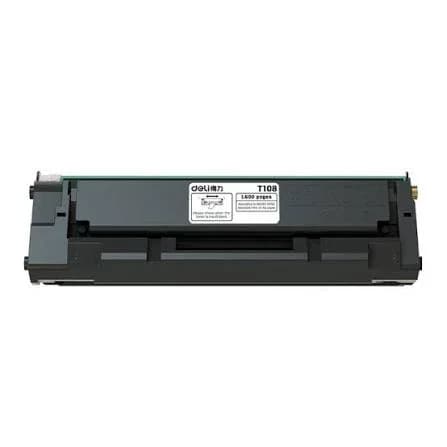
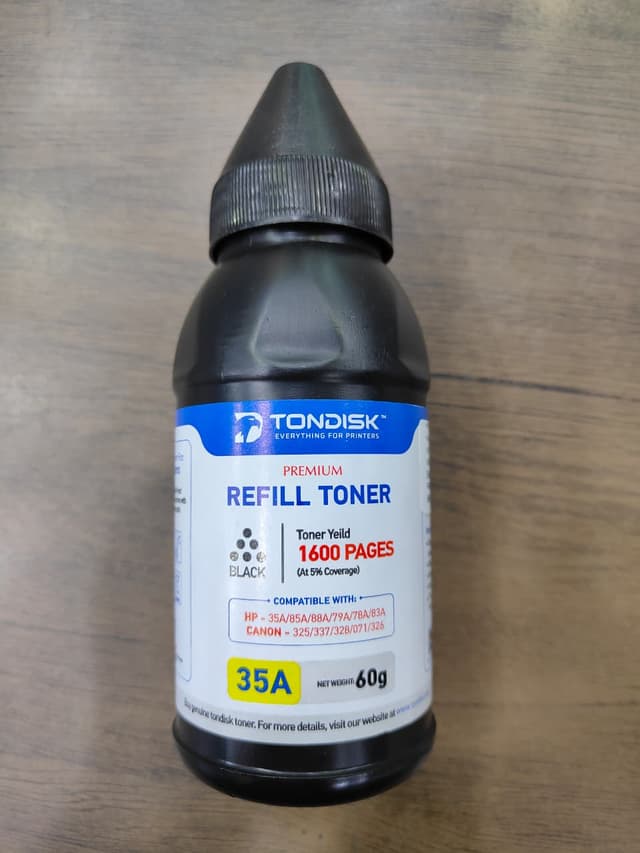
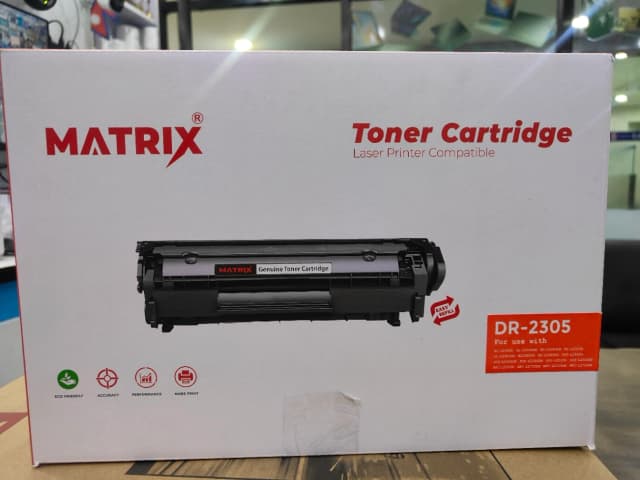
Supplies at Proud Nepal on 22 November 2026:
Item | For | Price |
|---|---|---|
Canon PIXMA G-series ink tank printers, up to 6,000 pages | Rs. 1,400 | |
Deli P1820W and M1820W, 1,600 pages | Rs. 4,500 | |
HP 35A/85A/88A/79A/78A/83A, Canon 325/337/328/071/326 cartridges | Rs. 250 | |
Brother HL-L2300D, HL-L2365DW, DCP-L2540DN and others, 12,000 pages | Rs. 2,300 |
See all printer ink and toner, toner cartridges and drum units. Time for a new printer? Compare every model in our printer price list.
Printer Not Printing FAQ
Why does my printer say Offline when it is on?
Usually Use Printer Offline is ticked in the print queue, the USB cable is loose, or a Wi-Fi printer lost its connection or IP address. Follow the Offline steps above.
How do I clear a stuck print queue?
Open the print queue, choose Cancel all documents, and if that does not work, restart the Print Spooler service in services.msc.
Why does my printer print blank pages?
On a laser printer the toner is empty or the cartridge's tape is still on; on an ink tank printer the print head is blocked or the ink is low. Run a nozzle check and cleaning.
My printer stopped working after a Windows update. What do I do?
Remove the printer, reinstall the latest driver from the maker's website, and add it again. Our driver guides above have the official links.
Why does my printer keep jamming?
Overfilled trays, damp or curled paper, loose paper guides, or worn pickup rollers. If jams continue with good paper, the rollers need replacing.
Need Printer Repair or Setup?
Our printer installation and repair service fixes jams, print quality and network printing problems, and offices can keep printers running with an AMC maintenance plan. Visit our store at Putalisadak, Kathmandu, open every day from 10 am to 8 pm, or contact us.