In this article
- Step 1: Is It the Wi-Fi or the Internet?
- Free Fixes for Slow Wi-Fi
- Restart the router
- Move the router
- Use the right band: 2.4 GHz or 5 GHz
- Change the Wi-Fi channel
- Update the router's firmware
- Check who is using it
- Upgrade: Router, Extender or Access Point?
- Wi-Fi Router Prices in Nepal
- Keep the Wi-Fi Running During Power Cuts
- Slow Wi-Fi FAQ
- Why is my Wi-Fi slow but the internet fast by cable?
- Does a Wi-Fi extender increase internet speed?
- Is Wi-Fi 6 worth it?
- How do I get Wi-Fi on every floor of my house?
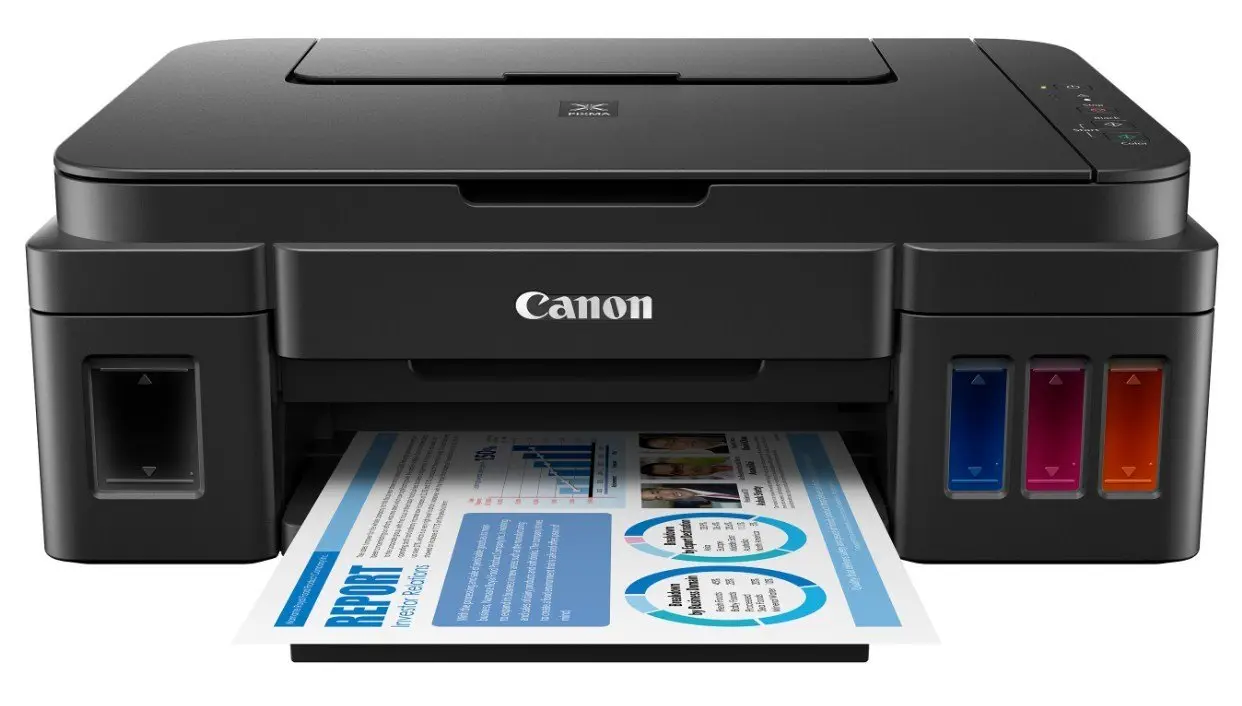
- Why does my printer or CCTV camera not connect to Wi-Fi?
- How often should I restart my router?
- Office Wi-Fi and Network Setup
Videos buffering, video calls freezing, one room with no signal at all: slow Wi-Fi is one of the most common problems at home and in offices. Sometimes the internet plan is the problem, but more often it is the router's position, the Wi-Fi band, interference or an old router. This guide shows how to find the cause and fix Wi-Fi speed and coverage, from free changes to the right router, extender or access point.
Step 1: Is It the Wi-Fi or the Internet?
Connect a laptop to the router with a network cable and run a speed test (for example speedtest.net or fast.com).
Run the same test on Wi-Fi next to the router, then in the room where it is slow.
Result | What it means |
|---|---|
Slow even by cable | The internet connection is the problem: restart the ISP's router/ONT, then call your internet provider |
Fast by cable, slow on Wi-Fi everywhere | The router's Wi-Fi is weak, old or crowded: see the fixes and router upgrade below |
Fast near the router, slow far away | A coverage problem: move the router, or add an extender or access point |
Free Fixes for Slow Wi-Fi
Restart the router
Turn the router (and the ISP's ONT, if separate) off for 30 seconds. It clears memory and picks a less busy channel. If you need to do it every day, the router may be overheating or too old.
Move the router
Wi-Fi travels badly through concrete walls, floors, metal and water tanks, which most Nepali houses have plenty of. Place the router high, in the open and as central as possible, not inside a cabinet, behind the TV or in a corner of the ground floor.
Use the right band: 2.4 GHz or 5 GHz
Band | Good at | Weak at |
|---|---|---|
2.4 GHz | Longer range, gets through walls; works with every device, printers and CCTV cameras | Slower and crowded, especially in flats and offices |
5 GHz | Much faster, less interference; best for streaming, calls and gaming | Shorter range, weaker through walls |
Use 5 GHz near the router and 2.4 GHz far away. If your router offers band steering (one name for both bands), it chooses for you; give 2.4 GHz its own name if a printer or camera cannot connect.
Change the Wi-Fi channel
Neighbours' routers on the same channel slow each other down. In the router's settings, try channels 1, 6 or 11 on 2.4 GHz, or set the channel to Auto and restart.
Update the router's firmware
Router makers fix speed, stability and security problems in firmware updates. Check the router's admin page or app.
Check who is using it
Many phones, TVs and cameras streaming at once share the same connection. In the router's app or admin page, look at connected devices, remove unknown ones and change the Wi-Fi password if needed (use WPA2 or WPA3).
Upgrade: Router, Extender or Access Point?
Your situation | Best fix | From |
|---|---|---|
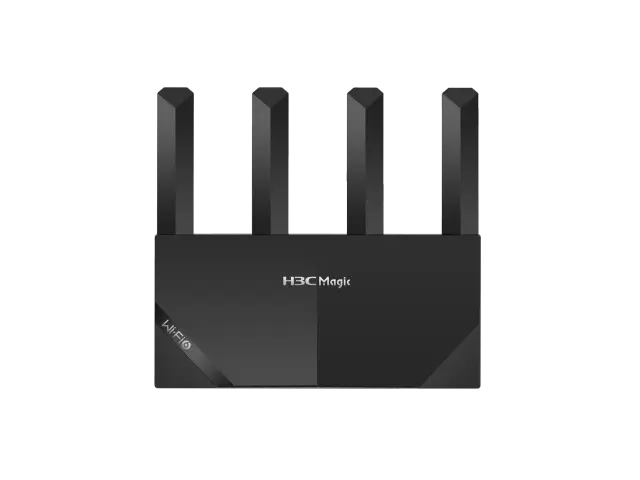
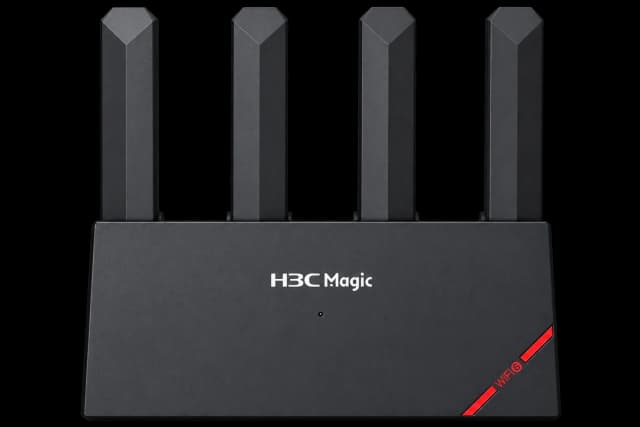
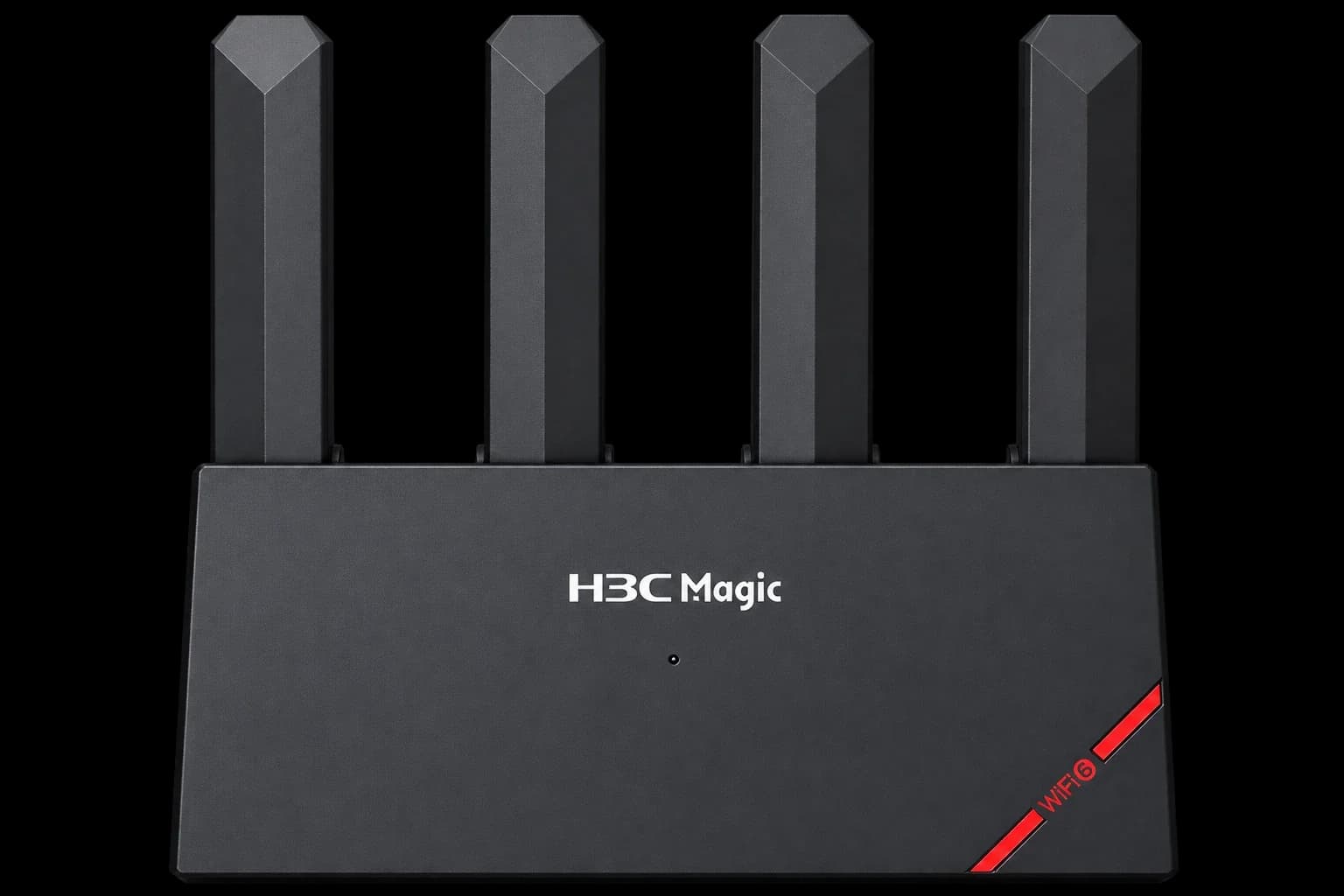
Old router (Wi-Fi 4 / N300), slow everywhere | A dual-band Wi-Fi 6 router | H3C Magic NX15, Rs. 4,000 |
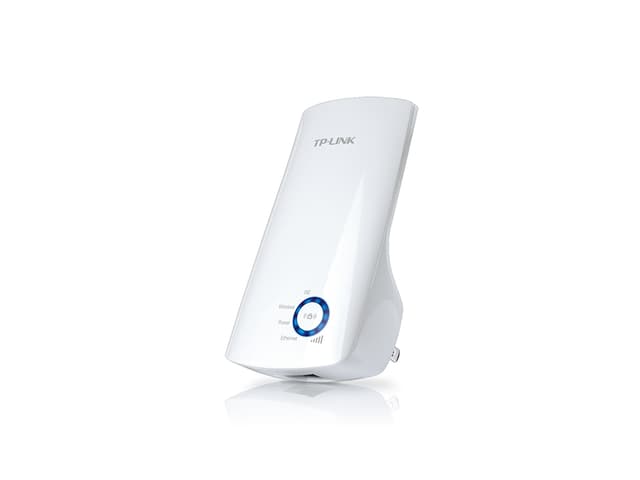
One or two rooms with weak signal | A Wi-Fi extender, placed halfway between the router and the weak spot | TP-Link TL-WA850RE, Rs. 3,000 |
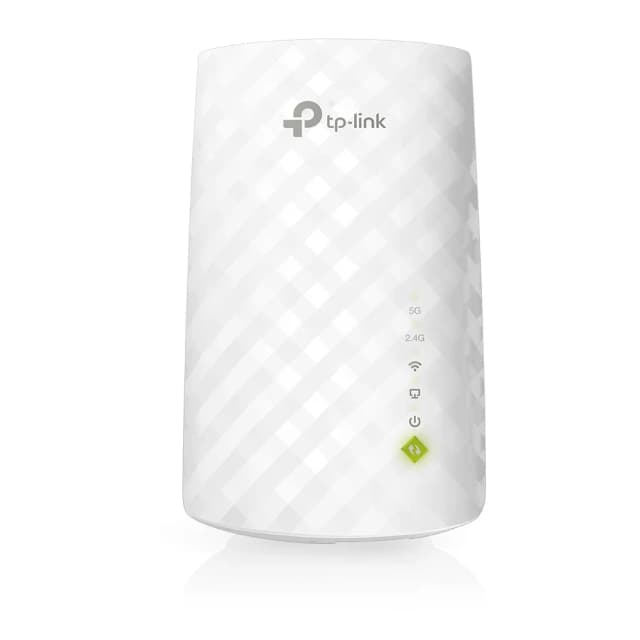
Several floors or a big house | A network cable to each floor with a router in access point mode, or a mesh extender | TP-Link RE220, Rs. 4,200 |
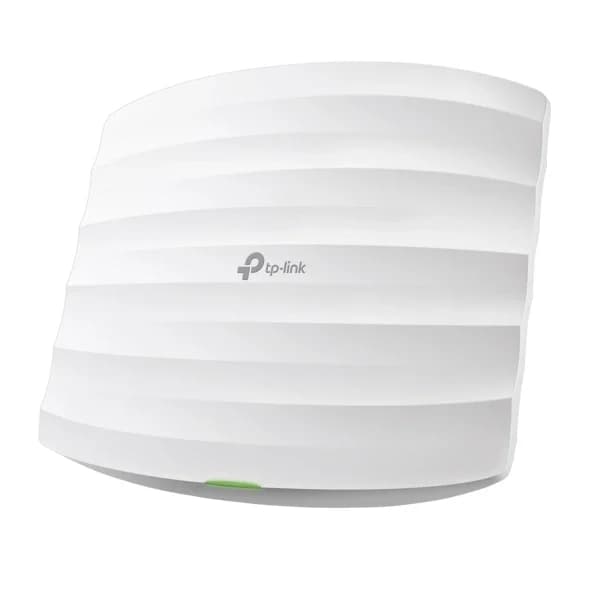
Office, school, hotel or many users | Ceiling access points on network cable, managed together | TP-Link EAP245, Rs. 15,500 |
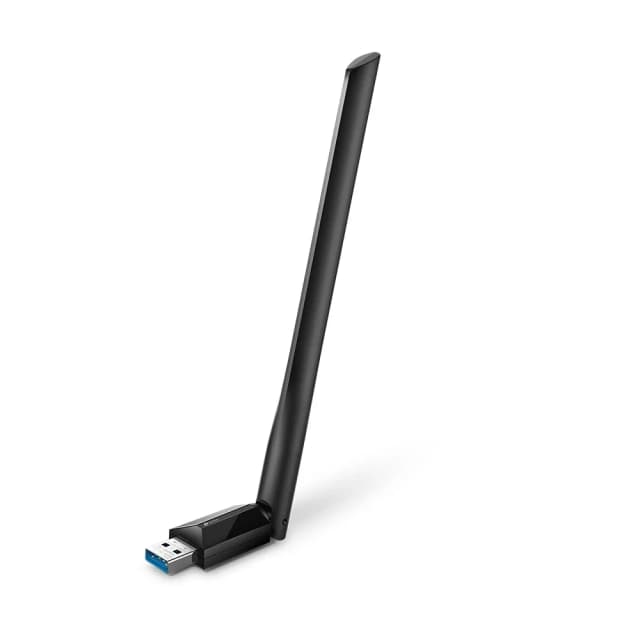
Old desktop PC with weak or no Wi-Fi | A USB Wi-Fi adapter | TP-Link Archer T3U Plus, Rs. 3,000 |
An extender repeats the signal, so speed through it is lower than near the router. Where you can run a network cable, an access point or a second router on cable always works better.
Wi-Fi Router Prices in Nepal
Prices at Proud Nepal on 22 November 2026:
Router | Wi-Fi | Price |
|---|---|---|
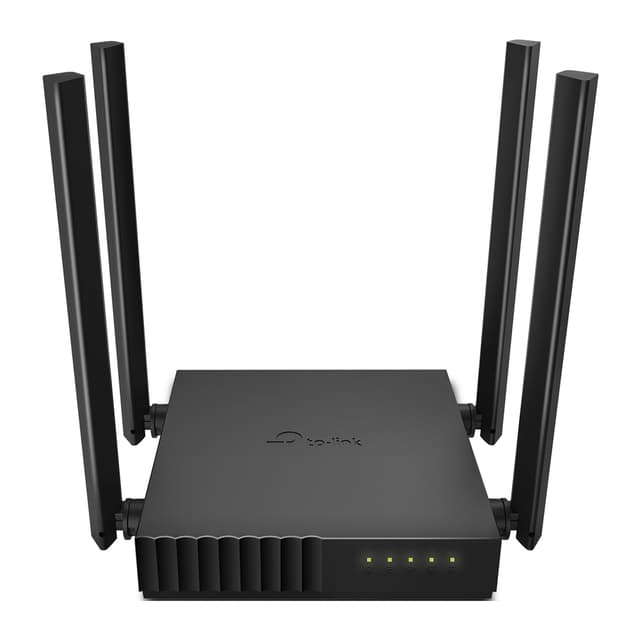
Wi-Fi 5, AC1200 dual band | Rs. 3,700 | |
Wi-Fi 6, AX1500, gigabit ports | Rs. 4,000 | |
Wi-Fi 6, AX3000 | Rs. 8,500 | |
Wired business VPN router with multi-WAN load balancing (pair with access points) | Rs. 25,000 |
See all routers, Wi-Fi extenders, access points and Wi-Fi adapters.
Keep the Wi-Fi Running During Power Cuts
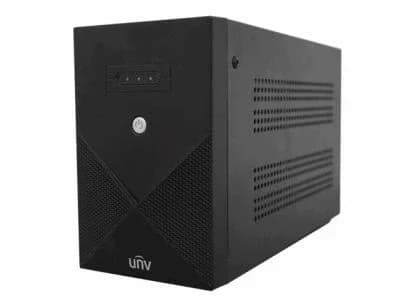
When the power goes, the router goes and so do Wi-Fi calls and CCTV cameras. A mini DC UPS such as the SKE POE-430P (Rs. 3,500, 8,800mAh, 9V/12V DC, USB and PoE outputs) keeps a router and ONT online through most power cuts (how long depends on how much power they use). More in do you need a UPS for your computer?.
Slow Wi-Fi FAQ
Why is my Wi-Fi slow but the internet fast by cable?
The router's Wi-Fi is the bottleneck: distance, walls, a crowded channel, the 2.4 GHz band or an old router. Try 5 GHz near the router, move it, or upgrade to Wi-Fi 6.
Does a Wi-Fi extender increase internet speed?
No. It extends coverage to weak spots, but speed through it is lower than near the router. It cannot make your internet plan faster.
Is Wi-Fi 6 worth it?
Yes, if many devices share the network or your plan is fast. Wi-Fi 6 routers handle more devices at once and now cost little more than older models.
How do I get Wi-Fi on every floor of my house?
Run a network cable to each floor and add a router in access point mode or an access point there. Without cable, use extenders or a mesh system.
Why does my printer or CCTV camera not connect to Wi-Fi?
Many printers and Wi-Fi cameras use 2.4 GHz only. Give the 2.4 GHz band its own network name and connect them to it. See CCTV not showing on mobile.
How often should I restart my router?
Once in a while is fine. If it needs restarting every day, it may be overheating, out of date or failing.
Office Wi-Fi and Network Setup
Our networking service plans and installs office and home Wi-Fi: cabling, access points, routers and firewalls, with network security and office IT setup for new offices. Visit us at Putalisadak, Kathmandu, open every day from 10 am to 8 pm, or contact us for a site visit.