In this article
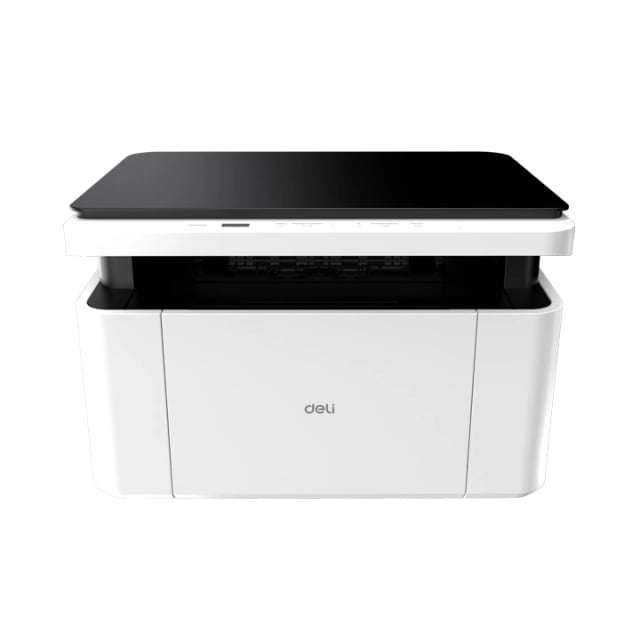
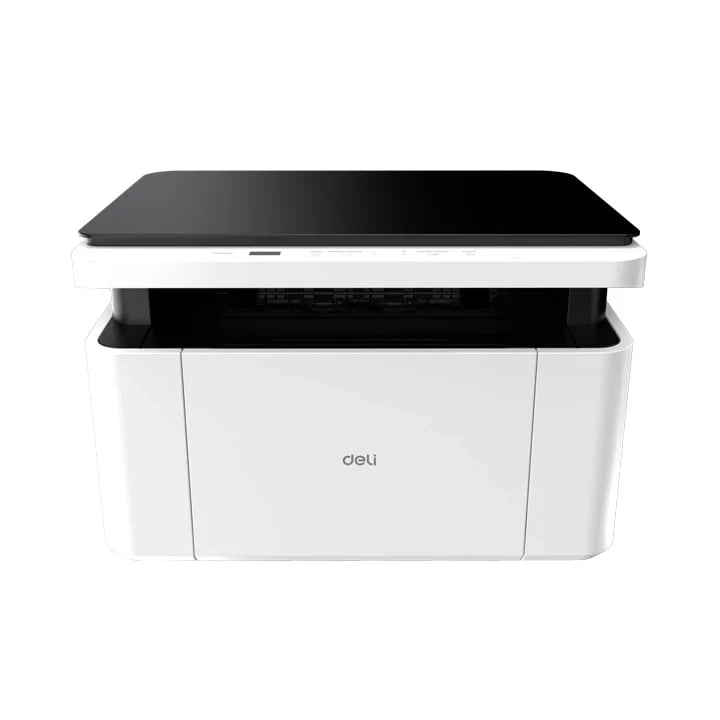
The Deli M1820W is a compact monochrome laser multifunction printer with Print, Copy and Scan functions. It supports USB 2.0 and 2.4 GHz Wi-Fi, with printing speeds of up to 20 pages per minute.
If you need to install the Deli M1820W on Windows, follow this simple driver installation guide.
Deli M1820W Driver Download
Installing the correct driver allows your computer to communicate properly with the printer.
Download Deli M1820W Official Driver
Deli's official product page currently provides the M1820W Driver x64 for supported Windows systems.
How to Install Deli M1820W Driver
Download the official Deli M1820W driver.
Open the downloaded driver installation file.
Follow the on-screen instructions.
Connect the printer using USB when prompted, or configure the Wi-Fi connection.
Complete the installation.
Go to Settings → Bluetooth & devices → Printers & scanners.
Select Deli M1820W and print a test page.
Deli M1820W Wi-Fi Setup
The M1820W supports 2.4 GHz Wi-Fi, allowing you to print wirelessly from compatible computers and mobile devices. After connecting the printer to your wireless network, install the driver and select the network printer during setup.
Common Driver Problems
If your Deli M1820W is not detected:
Check the USB or Wi-Fi connection.
Restart the printer and computer.
Reinstall the latest driver.
Make sure the correct printer is selected in Windows.
Check the printer queue for pending documents.
Deli M1820W Printer in Nepal
Looking for the Deli M1820W Monochrome Laser Printer in Nepal?
Proud Nepal IT Suppliers provides Deli printers with product support and 1 Year Warranty.