In this article
- How CCTV Remote Viewing Works
- Step 1: Check Power and Internet at the Site
- Step 2: Uniarch Wi-Fi Camera Offline
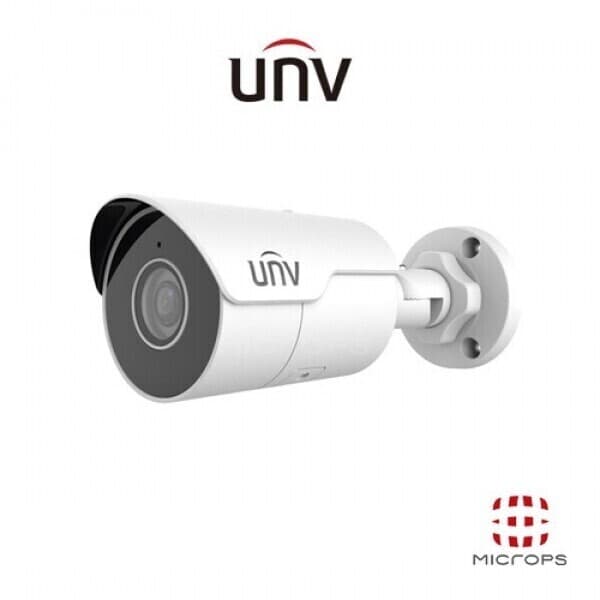
- Step 3: UNV (Uniview) NVR Not Showing in EZView
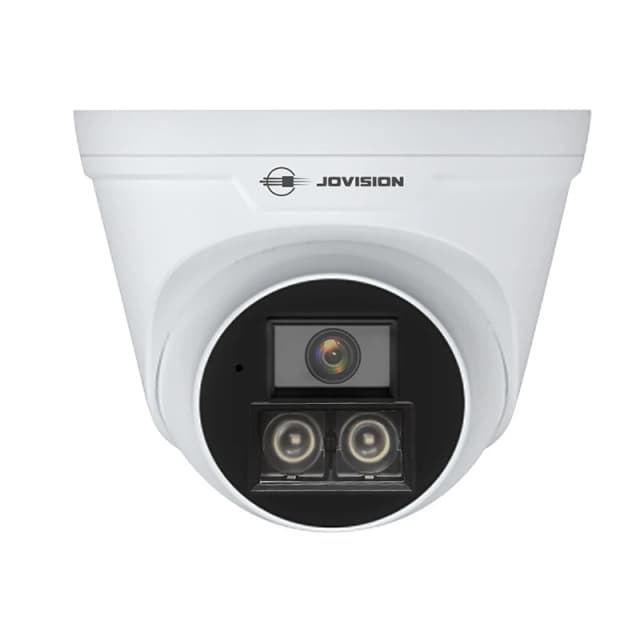
- Step 4: Jovision NVR Not Showing in CloudSEE
- Step 5: Account and Sharing Problems
- Video Keeps Loading or Playback Is Empty
- Keep Cameras Online During Power Cuts
- CCTV Cameras and Recorders in Nepal
- CCTV Not Showing on Mobile: FAQ
- Why does my CCTV app say the device is offline?
- Do I need port forwarding to view CCTV on my phone?
- Can I view my CCTV on more than one phone?
- Why does my Wi-Fi camera not connect to 5 GHz Wi-Fi?
- Why is there no playback on my camera?
- CCTV Installation and Support
Your CCTV is not showing on mobile: the app says the camera is offline, the video keeps loading, or playback is empty. Remote viewing depends on four things: power, the internet at the camera's site, the camera or recorder being linked to the brand's cloud, and your app account. This guide checks them in order for Uniarch Wi-Fi cameras, UNV (Uniview) recorders and Jovision NVRs.
How CCTV Remote Viewing Works
Modern cameras and NVRs connect out to their maker's cloud (often called P2P). Your phone app connects to the same cloud and fetches the video, so you usually do not need port forwarding or a static IP. If any link is broken (no power, no internet at the site, cloud turned off on the device, or the device on another account) the app shows it offline.
Brand | Mobile app | Cloud / P2P name |
|---|---|---|
Uniarch | Uniarch app (iOS and Android) | Uniarch Cloud |
UNV (Uniview) | EZView | EZCloud (shown as My Cloud or P2P on some devices) |
Jovision | CloudSEE | CloudSEE ID on the recorder or camera |
Step 1: Check Power and Internet at the Site
Is the camera or NVR powered on? After a power cut, the router may come back slower than the cameras.
Is the internet working at the site? Check another phone on the same Wi-Fi, or the ONT/router lights. If the internet is down, nothing can show remotely.
Did the internet provider replace the router? A new router has a new Wi-Fi name or password, and Wi-Fi cameras will not reconnect on their own.
Step 2: Uniarch Wi-Fi Camera Offline
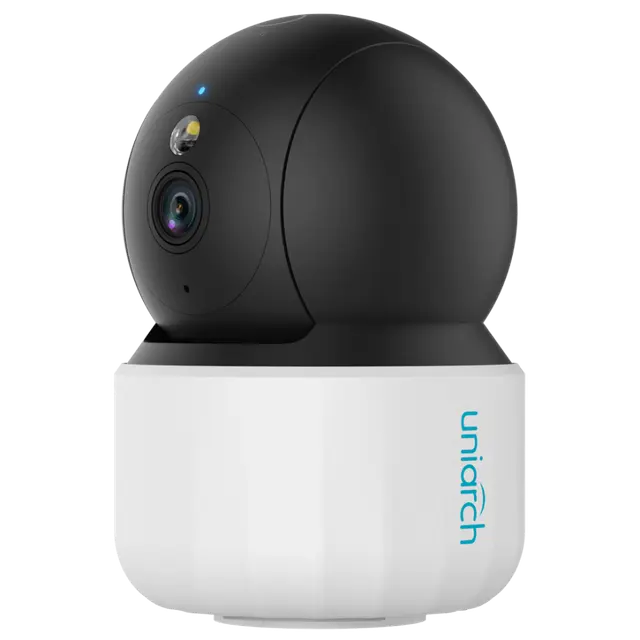
Uniarch Wi-Fi cameras connect to 2.4 GHz Wi-Fi. If the router uses one name for 2.4 and 5 GHz, give 2.4 GHz its own name or move the camera nearer the router.
Weak signal makes cameras drop off. Check the signal in the app; move the router or add an extender (see how to fix slow Wi-Fi).
If the Wi-Fi name or password changed, reset the camera with its reset button (see the camera's quick guide) and add it again in the Uniarch app.
Update the Uniarch app and the camera firmware from the app.
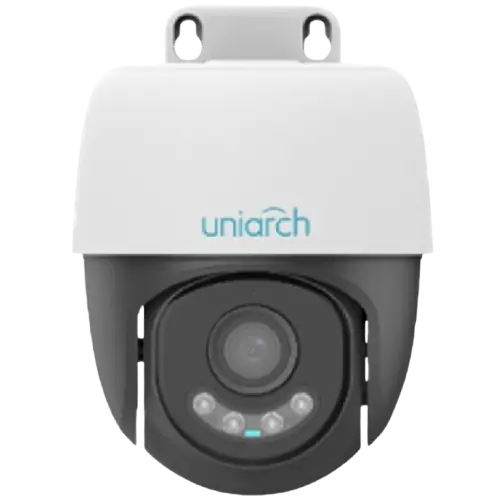
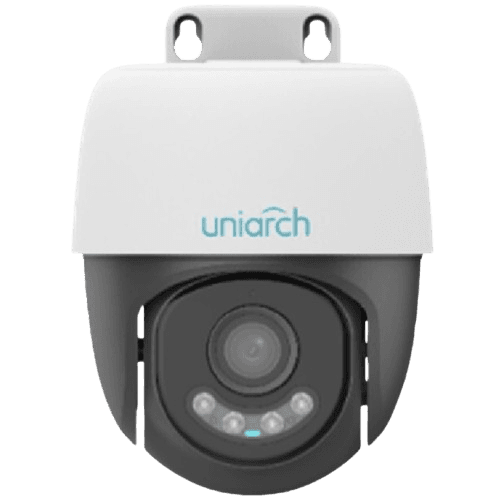
No Wi-Fi at the site? A 4G camera such as the Uniarch UHO-P1G 4G PT camera (Rs. 7,046) uses a SIM card instead; check that the SIM has data.
Step 3: UNV (Uniview) NVR Not Showing in EZView
Check the NVR's network cable to the router and that the NVR's IP address is on the same network as the router. In the NVR, open the network (TCP/IP) settings and make sure the gateway and DNS are filled in, or set it to DHCP.
Turn on EZCloud in the NVR: in the local menu under Menu → Network → Basic → EZCloud, or in the web interface under Setup → EZCloud. Its status should show Online.
In the EZView app, sign in with your EZCloud account and add the device by scanning the QR code on the NVR's EZCloud page.
If the status stays offline, restart the NVR and router, and check the DNS settings again.
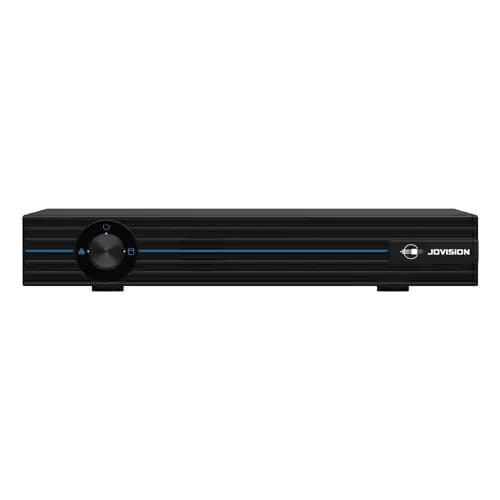
Step 4: Jovision NVR Not Showing in CloudSEE
Check the NVR's network cable and that the router gives it an IP address.
Find the CloudSEE ID (cloud number) in the NVR's network or cloud menu, or on its sticker.
In the CloudSEE app, register your own account (rather than visitor login), choose add device by CloudSEE ID, and enter the ID with the NVR's username and password.
Change the NVR's default password before you open remote access, and use a strong one.
Step 5: Account and Sharing Problems
A camera or NVR can usually be linked to only one main account. If the installer added it to their account, ask them to share it with you from the app, or to remove it so you can add it to yours.
Family members should get access through the app's share feature rather than sharing your password.
Log out and back in, update the app, and allow the app's notifications and mobile data in your phone's settings.
Video Keeps Loading or Playback Is Empty
Problem | Fix |
|---|---|
Live view keeps buffering | Switch the stream to SD or sub-stream in the app; check the upload speed at the site and the camera's Wi-Fi signal |
No recordings in playback | Check the camera's microSD card (format it in the app; most of our Uniarch cameras take cards up to 256GB or 512GB) or the NVR's hard disk status |
Recordings stop after a few days | The card or disk is full and overwrite is off: turn on overwrite in the storage settings |
Want recordings even if the camera is stolen | Add Uniarch cloud storage, from 30-day cloud recording at Rs. 697 |
Find microSD and SD cards and Uniarch cloud storage plans in our store.
Keep Cameras Online During Power Cuts
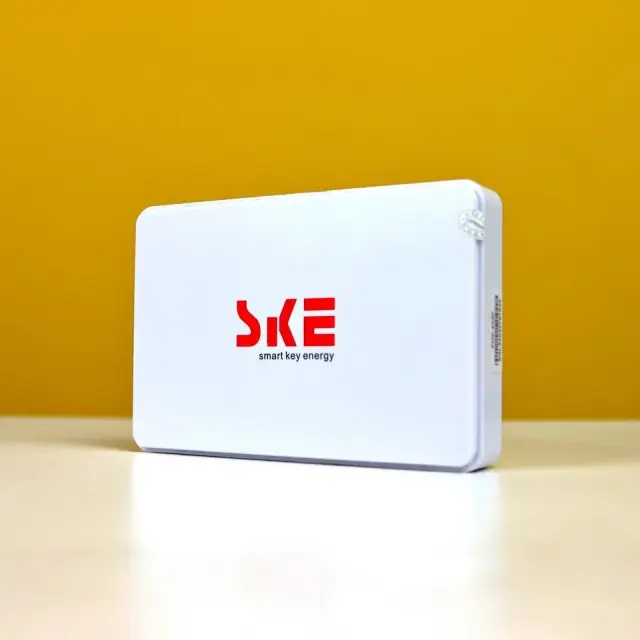
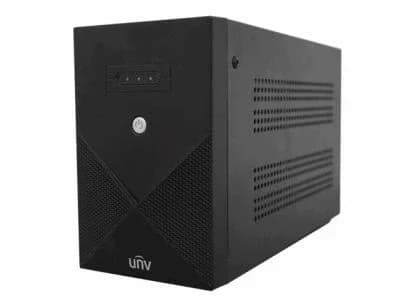
Cameras go offline in every power cut if the router and ONT have no backup. A mini DC UPS such as the SKE POE-430P (Rs. 3,500) keeps the router and ONT (or a small PoE camera) running through power cuts, within its 17W limit. See do you need a UPS? for more.
CCTV Cameras and Recorders in Nepal
Product | Type | Price |
|---|---|---|
Indoor Wi-Fi camera, 2K 3MP | Rs. 3,500 | |
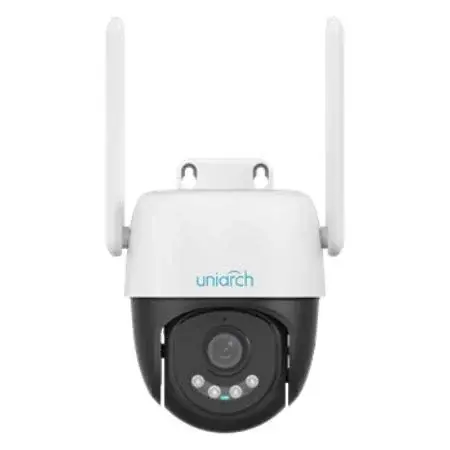
Outdoor Wi-Fi pan-tilt camera, 2K 3MP | Rs. 5,500 | |
Outdoor 4G pan-tilt camera, 3MP | Rs. 7,046 | |
3MP PoE camera for an NVR | Rs. 3,500 | |
8-channel 4K NVR | Rs. 7,500 | |
4K IP security camera | Rs. 17,500 |
Compare every model in our CCTV camera price list, or see all Wi-Fi CCTV cameras and NVRs.
CCTV Not Showing on Mobile: FAQ
Why does my CCTV app say the device is offline?
The camera or NVR has no power or internet, the Wi-Fi details changed, or the cloud (EZCloud, P2P) is turned off on the recorder. Check the site's internet first.
Do I need port forwarding to view CCTV on my phone?
Usually not. Uniarch, UNV EZCloud and Jovision CloudSEE connect through the maker's cloud. Port forwarding is only needed for some older recorders or special setups.
Can I view my CCTV on more than one phone?
Yes. Share the device from the main account in the app, so each person uses their own login.
Why does my Wi-Fi camera not connect to 5 GHz Wi-Fi?
Most Wi-Fi cameras, including our Uniarch models, use 2.4 GHz only. Connect them to the 2.4 GHz network.
Why is there no playback on my camera?
The microSD card is missing, full, not formatted or faulty, or the NVR's hard disk has a problem. Check storage status in the app or recorder.
CCTV Installation and Support
Our CCTV installation service sets up cameras, recorders and mobile viewing for homes, shops and offices, and our networking team fixes the Wi-Fi and network behind them. Visit us at Putalisadak, Kathmandu, open every day from 10 am to 8 pm, or contact us.