-10%

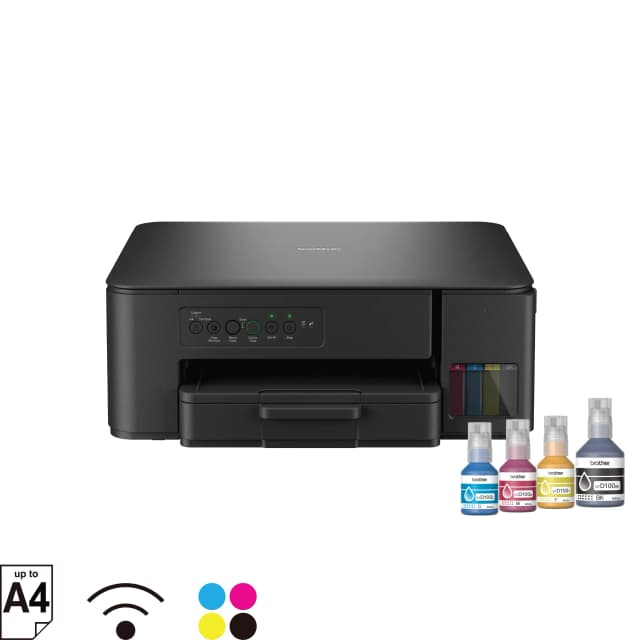
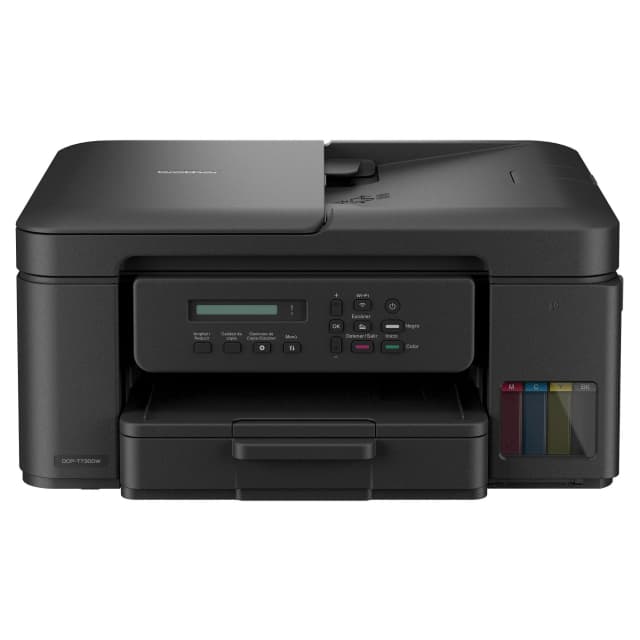
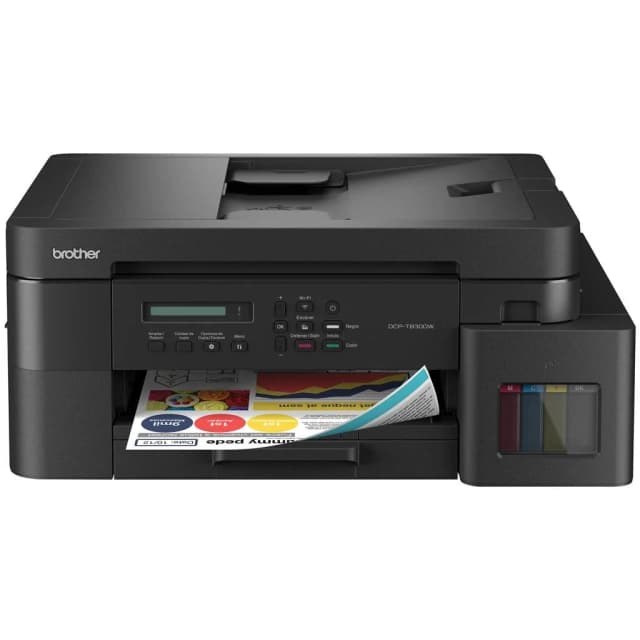
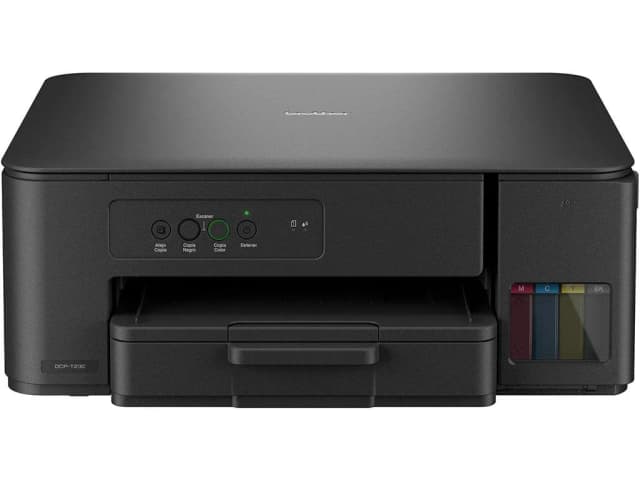
Brother DCP-T730DW A4 Colour Ink Tank Printer
Print Scan Copy · Wi-Fi · Wi-Fi Direct · Auto Duplex Printing
Rs. 54,000Rs. 60,000
Save Rs. 6,000
Rs. 54,000
You save Rs. 6,000
In stock, only 8 left
Last updated 23 Nov 2026
 Click to enlarge
| Product | |
|---|---|
| Brand | Brother |
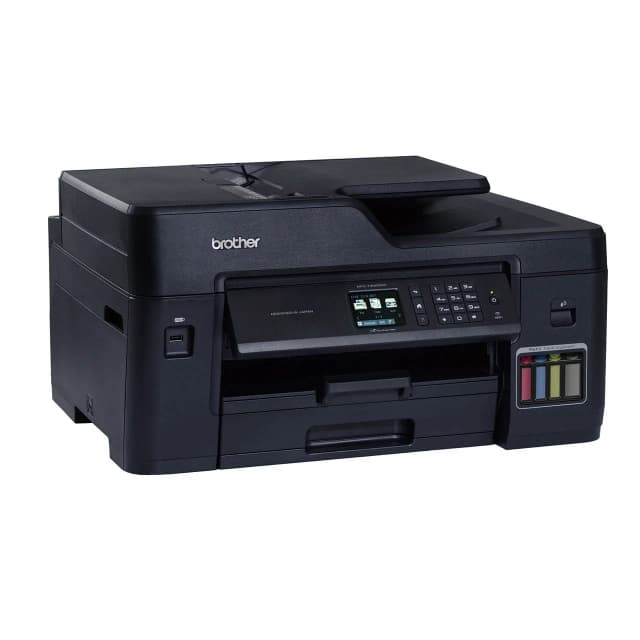
| Product Type | A3 Inkjet Multifunction Printer |
| Model | MFC-J2340DW |
| Functions | Print, Scan, Copy, Fax |
| Printing | |
| Duplex | Automatic |
| Borderless | Yes |
| Copy & Scan | |
| Scanner | Colour and Monochrome |
| Paper & Media | |
| Input | 250 Sheets |
| Connectivity | |
| Interfaces | Hi-Speed USB 2.0, Ethernet, Wi-Fi, Wi-Fi Direct |
| Mobile Printing | Supported |
| Controls & Memory | |
| Display & Controls | 2.7-inch Colour Touchscreen LCD |
| Memory | 256 MB |
| Design | |
| Dimensions | 530 × 398 × 305 mm |
| Weight | 17.0 kg |
| Box & Warranty | |
| Warranty | 1 Year Warranty\* |
No reviews yet
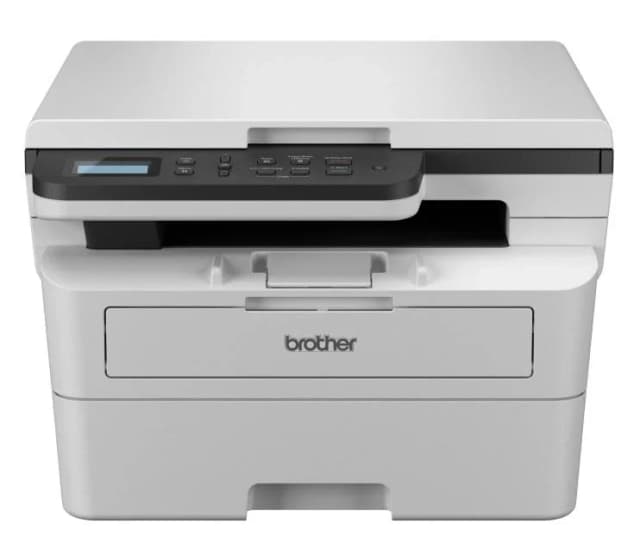
Brother MFC-J2340DW A3 Inkjet Multifunction Printer
Rs. 54,000
No questions yet. Ask about compatibility, warranty or what's in the box.
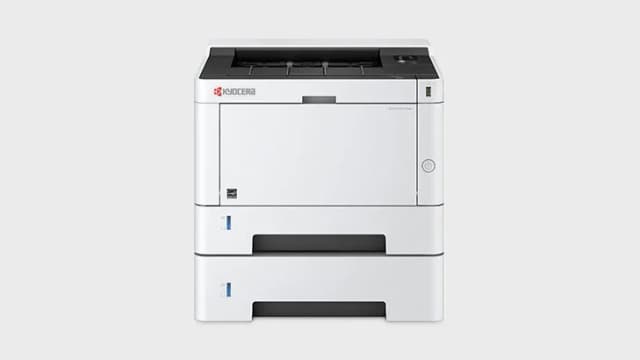
| Specification |  Brother MFC-J2340DW A3 Inkjet Multifunction Printer |  Brother DCP-T730DW A4 Colour Ink Tank Printer |  Epson EcoTank L8050 Ink Tank Photo Printer |  Kyocera ECOSYS P2235dn A4 Monochrome Laser Printer |
|---|---|---|---|---|
| Price | Rs. 54,000 | Rs. 54,000 | Rs. 54,500 | Rs. 58,000 |
| Brand | BROTHER | BROTHER | EPSON | KYOCERA |
| Availability | In stock | In stock | In stock | In stock |
| Warranty | 1 year | 1 year | 1 year | 1 year (brand warranty) |
| Product | ||||
| Product Type | A3 Inkjet Multifunction Printer | Colour Ink Tank Printer | Photo Printer | A4 Monochrome Laser Printer |
| Model | MFC-J2340DW | DCP-T730DW | EcoTank L8050 | ECOSYS P2235dn |
| Functions | Print, Scan, Copy, Fax | Print, Scan, Copy | Print Only | – |
| Series | – | – | EcoTank | – |
| Printing | ||||
| Duplex | Automatic | Automatic | Manual | Automatic |
| Borderless | Yes | – | Yes | – |
| Print Speed | – | Colour: Up to 15.5 ipm | Black: 8.0 ipm, Colour: 8.0 ipm | Up to 35 ppm (A4) |
| Resolution | – | Up to 1200 × 6000 dpi | 5760 x 1440 DPI | 600 × 600 dpi, Fast 1200 dpi, Fine 1200 dpi |
| Technology | – | – | Ink Tank, Colour | Semiconductor Laser |
| First Page Out | – | – | Approx. 14 sec (black and colour) | Approx. 6.8 seconds or less |
| Colours | – | – | 6 | – |
| Printer Language | – | – | ESC/P-R, ESC/P Raster | PCL 6, PCL 5e, PCL-XL, KPDL3 / PostScript 3 Compatible, PRESCRIBE, XPS/OpenXPS |
| Warm-up Time | – | – | – | Approx. 15 seconds or less |
| Monthly Volume | – | – | – | Up to 20,000 pages |
| Copy & Scan | ||||
| Scanner | Colour and Monochrome | – | – | – |
| Paper & Media | ||||
| Input | 250 Sheets | – | 80 sheets | 350 sheets |
| Paper Sizes | – | A4 and other supported sizes | 215.9 x 1200 mm, A4, Letter, 8 x 10 inch, 5 x 7 inch, 4 x 6 inch | A6 to A4 / Legal |
| Maximum Input | – | 150 sheets | – | Up to 850 sheets |
| Media Types | – | – | Plain Paper, Premium Glossy Photo Paper, Envelopes, CD / DVD, PVC / ID Cards | – |
| Output | – | – | Up to 50 sheets A4 plain paper, 20 sheets Premium Glossy Photo Paper | Up to 250 sheets, face down |
| Connectivity | ||||
| Interfaces | Hi-Speed USB 2.0, Ethernet, Wi-Fi, Wi-Fi Direct | – | – | – |
| Mobile Printing | Supported | – | Epson Smart Panel, Epson iPrint | Mopria, KYOCERA Mobile Print |
| Wireless | – | Wi-Fi Direct | IEEE 802.11b/g/n, Wi-Fi Direct | Wi-Fi No — wired network model |
| USB | – | – | USB 2.0 | USB 2.0 High-Speed |
| Operating Systems | – | – | Windows XP SP3 / XP Professional x64 SP2 / Vista / 7 / 8 / 8.1 / 10 / 11, Windows Server 2003 / 2008 / 2012 / 2016 / 2019 / 2022, Mac OS X 10.9.5 or later | – |
| Ethernet | – | – | – | Gigabit Ethernet 10/100/1000Base-T |
| Security | – | – | – | IPsec, HTTPS, LDAP over SSL, SNMPv3, IPP over SSL, FTP over SSL |
| Other Ports | – | – | – | USB host |
| Controls & Memory | ||||
| Display & Controls | 2.7-inch Colour Touchscreen LCD | 1-Line LCD (16 characters, except Taiwan) | – | 7-Color LED |
| Memory | 256 MB | 128 MB | – | 256 MB |
| Processor | – | – | – | Cortex-A9, 800 MHz |
| Design | ||||
| Dimensions | 530 × 398 × 305 mm | 390 × 343 × 182.5 mm | 403 x 369 x 149 mm | 375 × 393 × 272 mm |
| Weight | 17.0 kg | 8.6 kg | – | 14 kg |
| Noise | – | – | 37 dB(A) printing on photo paper, 50 dB(A) black / 47 dB(A) colour on plain paper | – |
| Box & Warranty | ||||
| In the Box | – | – | Printer, 6 Ink Bottles (Black, Cyan, Magenta, Yellow, Light Cyan, Light Magenta), Power Cable, Setup Guide, Warranty Document | – |
| Ink, Toner & Ribbon | ||||
| Supplies | – | – | Epson 057 Ink Bottles: Black C13T09D198, Cyan C13T09D298, Magenta C13T09D398, Yellow C13T09D498, Light Cyan C13T09D598, Light Magenta C13T09D698, Dye | Kyocera TK-1150 |
| Yield | – | – | Black: 3000 pages, Colour: 7200 pages | Approx. 3,000 pages |
| Starter Supplies | – | – | – | Approx. 1,000 pages |
| Power | ||||
| Power Use | – | – | Printing: 19 W; Ready: 4.4 W; Sleep: 0.6 W | Printing: 620 W; Ready: 8 W; Sleep: 0.8 W |
| Power Input | – | – | AC 220-240 V, 50-60 Hz | – |
Brother MFC-J2340DW A3 Inkjet Multifunction Printer costs Rs. 54,000 at Proud Nepal IT Suppliers (offer price; regular price Rs. 60,000), with free delivery within Kathmandu Valley.
Yes, Brother MFC-J2340DW A3 Inkjet Multifunction Printer is in stock. Order it online or visit our store in Putalisadak, Kathmandu.
Duplex: Automatic; Borderless: Yes; Scanner: Colour and Monochrome; Input: 250 Sheets; Interfaces: Hi-Speed USB 2.0, Ethernet, Wi-Fi, Wi-Fi Direct; Mobile Printing: Supported; Display & Controls: 2.7-inch Colour Touchscreen LCD; Memory: 256 MB.
Brother MFC-J2340DW A3 Inkjet Multifunction Printer has Hi-Speed USB 2.0, Ethernet, Wi-Fi, Wi-Fi Direct.
Brother MFC-J2340DW A3 Inkjet Multifunction Printer has 256 MB RAM.
Brother MFC-J2340DW A3 Inkjet Multifunction Printer has a 2.7-inch Colour Touchscreen LCD display.
Brother MFC-J2340DW A3 Inkjet Multifunction Printer comes with 1 year warranty. Keep the bill, the box and the serial-number sticker for claims.
Yes. Everything Proud Nepal IT Suppliers sells is genuine and new, with a bill from Proud Nepal IT Suppliers Pvt. Ltd. and the warranty of the brand or its authorised distributor in Nepal, unless the product page says otherwise.
Yes, all over Nepal. Delivery is free within Kathmandu Valley, with no minimum order; elsewhere in Nepal, delivery charges may apply depending on your location and are confirmed when we call to confirm the order. Delivery takes the same day inside Kathmandu Valley, 2 to 3 days elsewhere in Nepal, sent with Nepal Can Move.
Pay the full amount online to our company QR and upload the payment screenshot at checkout, or choose cash on delivery: a 50% advance by QR when ordering and the rest when it arrives.
We don't offer refunds or change-of-mind returns, so please check the specifications or ask us before ordering. Check the package in front of the delivery person: if it's damaged or not what you ordered, take a photo and tell us the same day. A product that develops a fault is repaired or replaced under its warranty.
Print Scan Copy · Wi-Fi · Wi-Fi Direct · Auto Duplex Printing
Save Rs. 6,000
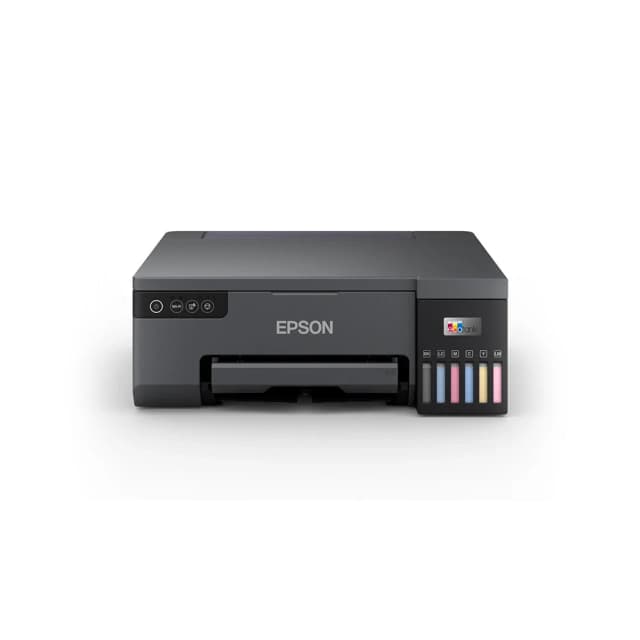

6-Color Dye Ink · Print Only · Wi-Fi, Wi-Fi Direct & USB · 5760 x 1440 dpi
Save Rs. 10,500
35ppm · 1200 dpi · Automatic Duplex Printing · 350-Sheet Standard Paper Capacity
Save Rs. 7,000
Print Scan Copy · Automatic Duplex Printing · Wi-Fi · Wi-Fi Direct
Save Rs. 6,600
Print Scan Copy · 34 ppm Print Speed · 1200 × 1200 dpi · Automatic Duplex Printing
Save Rs. 4,600
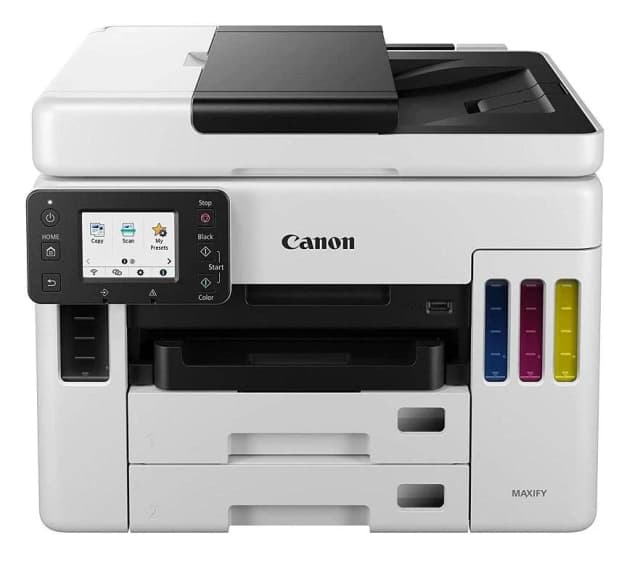

Print, Scan, Copy, Fax · 24 ipm · 200 dpi · Auto Duplex
Save Rs. 14,000
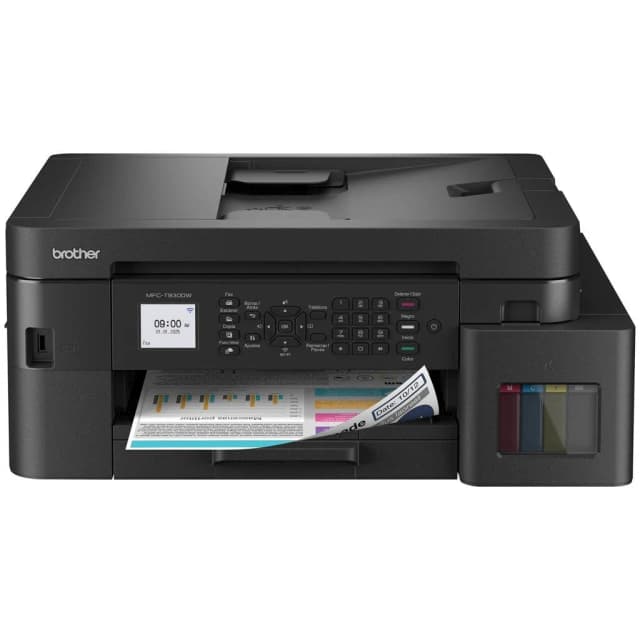
Print Scan Copy Fax · Automatic Duplex · Wi-Fi · Wi-Fi Direct
Save Rs. 7,700
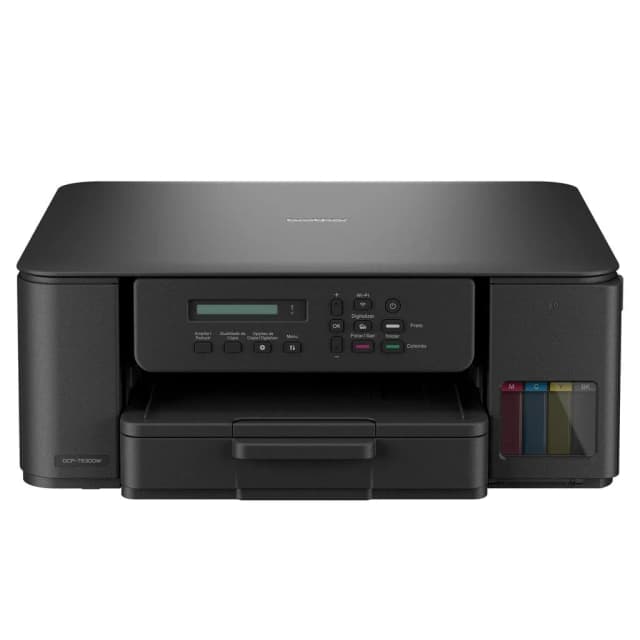
Print Scan Copy · 16 ipm Black · 9 ipm Colour · 1200 x 6000 dpi
Save Rs. 4,200
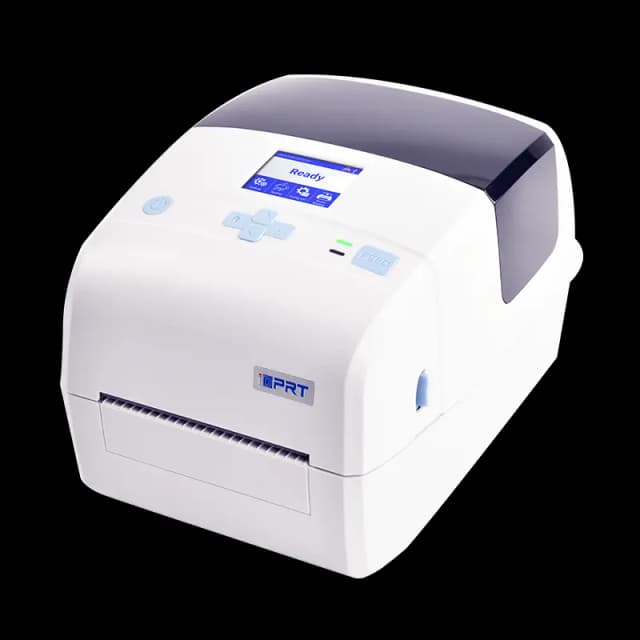

203 DPI Direct Thermal Barcode Printer – 8 ips, 4.25" Print Width, Ethernet, USB, RS232, 1 Year Warranty
In stock
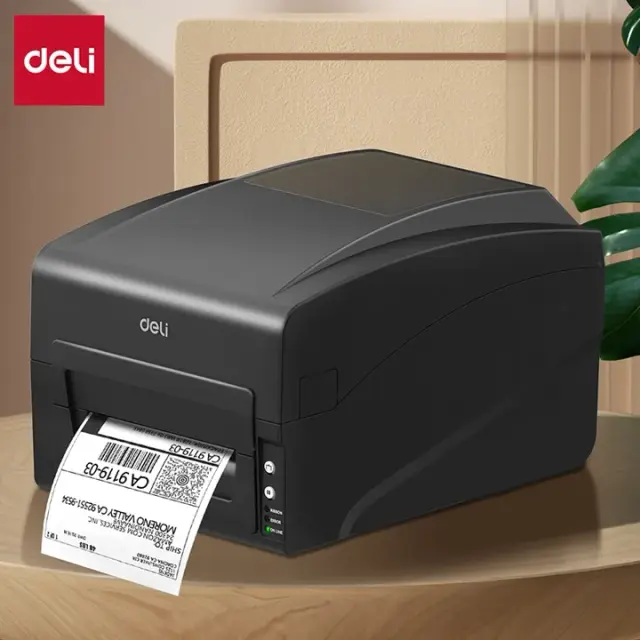

Direct Thermal & Thermal Transfer · 203 DPI · 152mm/s · 104mm Print Width
Save Rs. 3,514
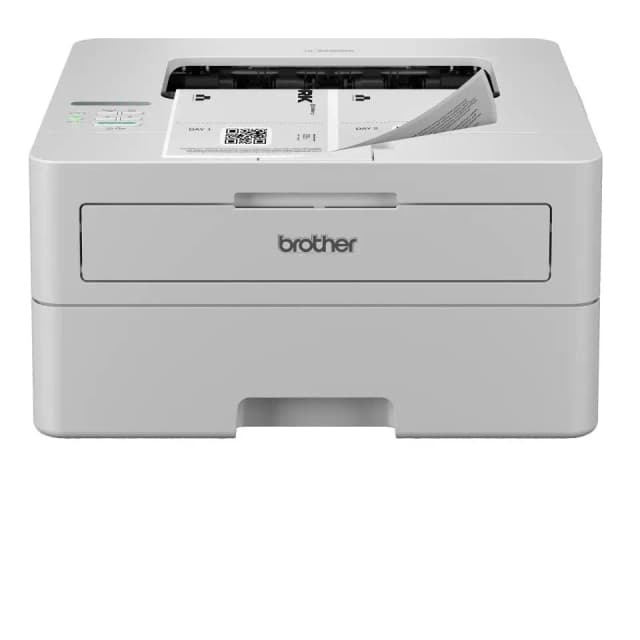
34 ppm Print Speed · 1200 × 1200 dpi Resolution · Automatic Duplex Printing · Wi-Fi
Save Rs. 4,000
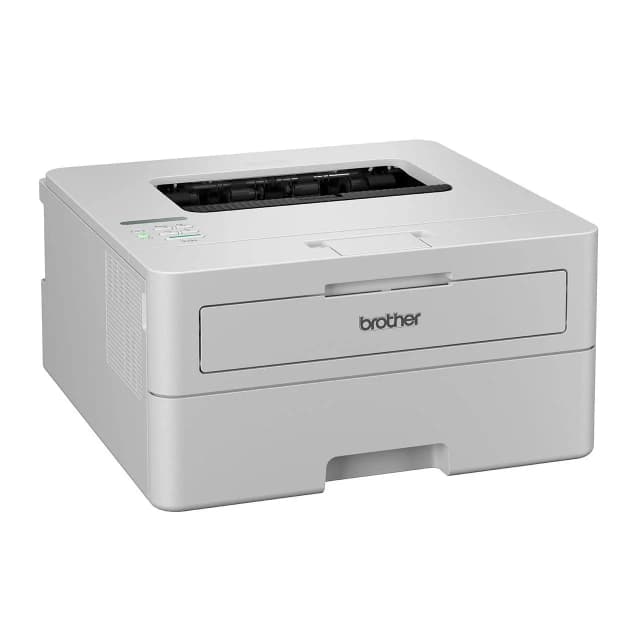
34 ppm Print Speed · 1200 × 1200 dpi Resolution · Wireless Wi-Fi · Wi-Fi Direct
Save Rs. 3,040
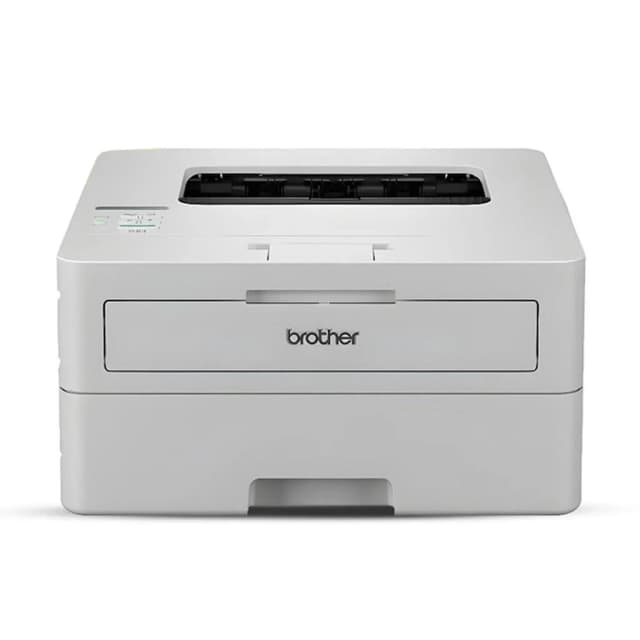
A4 Printing · 34 ppm Print Speed · 1200 × 1200 dpi Resolution · Automatic Duplex Printing
Save Rs. 2,775
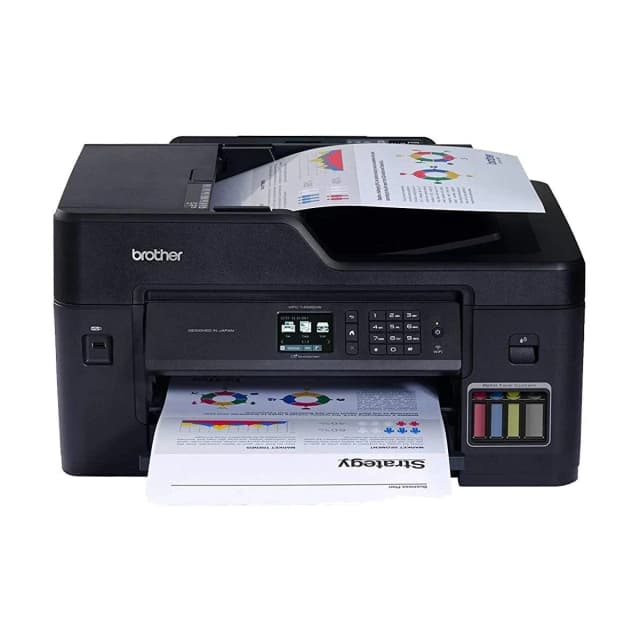
Print Scan Copy Fax · 22 ipm Black Print Speed · 20 ipm Colour Print Speed · 1200 × 4800 dpi
Save Rs. 16,300
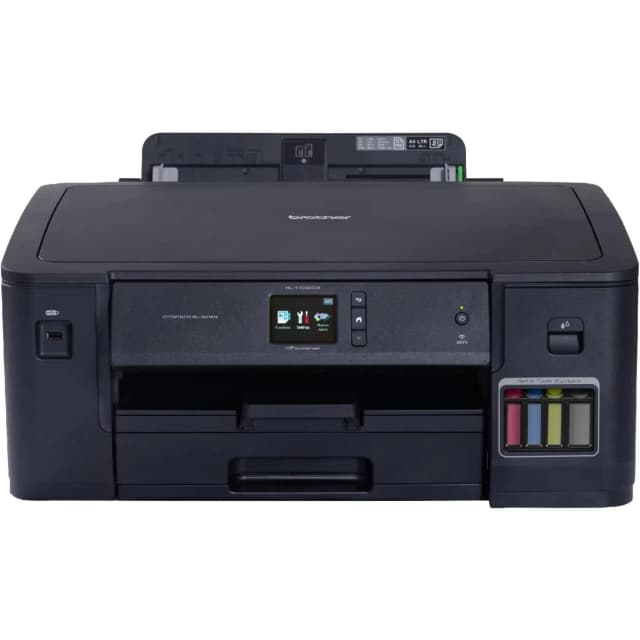
Colour Inkjet · 22 ipm Black Print Speed · 20 ipm Colour Print Speed · 1200 × 4800 dpi
Save Rs. 10,600
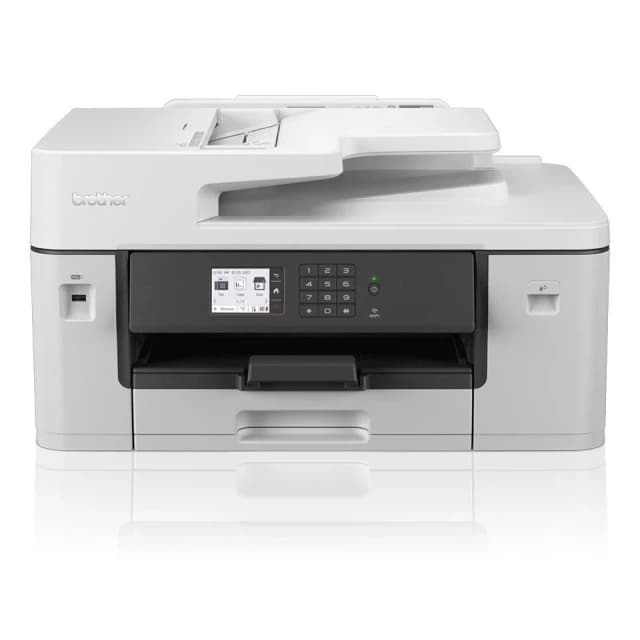
Print Scan Copy Fax · 28 ipm Print Speed · 1200 × 4800 dpi · Automatic A3 Duplex Printing
Save Rs. 8,800
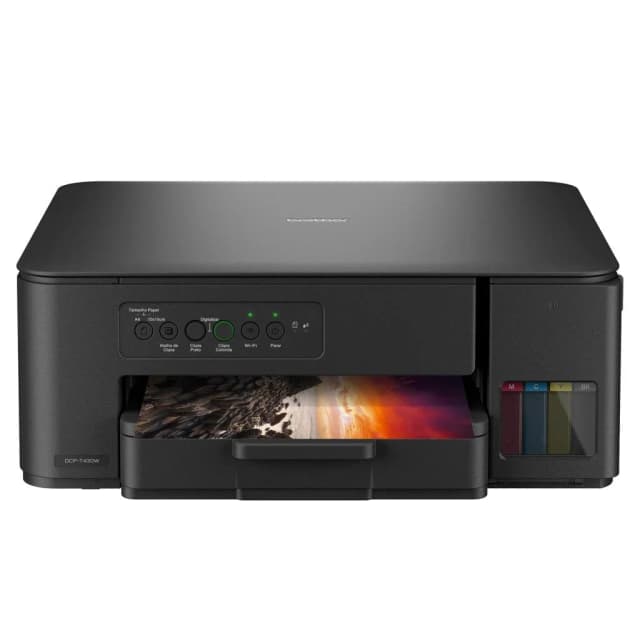
Print Scan Copy · 16 ipm Black · 9 ipm Colour · 1200 x 6000 dpi
Save Rs. 3,500
Print Scan Copy · 16 ipm Black · 9 ipm Colour · 1200 x 6000 dpi
Save Rs. 3,100
Tell us what you need and we'll send a formal quotation with the best price, delivery and installation options.