In this article
- Find Out What Is Slowing Your PC
- Free Fixes: Speed Up Windows in Minutes
- 1. Restart properly
- 2. Turn off startup apps
- 3. Free up disk space
- 4. Uninstall apps you do not use
- 5. Scan for malware
- 6. Update Windows and drivers
- 7. Tidy up your browser
- 8. Use the right power mode
- 9. Reduce visual effects on older PCs
- 10. Fix overheating
- The Two Upgrades That Make the Biggest Difference
- 11. Replace the hard disk with an SSD
- 12. Add more RAM
- SSD and RAM Upgrade Prices in Nepal
- When Is It Time for a New Laptop or PC?
- Slow PC FAQ
- Why is my laptop so slow all of a sudden?
- Does an SSD really make a PC faster?
- Is 8GB RAM enough for Windows 11?
- Will resetting Windows make my PC faster?
- Can I upgrade the RAM in my laptop?
- Do I lose my data when I change to an SSD?
- Get Your PC Upgraded or Repaired
A slow laptop or PC wastes time every day: long start-ups, apps that freeze, a browser that crawls. The good news is that most slowdowns have a simple cause you can find in a few minutes. Below are 12 ways to speed up Windows 11 and 10, from free fixes to the two upgrades that make the biggest difference: an SSD and more RAM.
Find Out What Is Slowing Your PC
Press Ctrl + Shift + Esc to open Task Manager:
Processes tab: click the CPU, Memory or Disk column to see which app uses the most. A single app at the top is often the culprit.
Performance tab → Memory: if memory use stays above about 80% during normal work, you need more RAM. This page also shows the RAM speed, slots used and form factor (SODIMM for laptops, DIMM for desktops).
Performance tab → Disk: shows whether the drive is an HDD or SSD. A hard disk (HDD) busy at 100% for minutes is the most common cause of a slow PC.
Free Fixes: Speed Up Windows in Minutes
1. Restart properly
Shutting the lid or using Shut down with Fast Startup on does not fully clear Windows. Use Restart once in a while; it also finishes pending updates.
2. Turn off startup apps
Settings → Apps → Startup (or Task Manager → Startup apps). Turn off everything you do not need the moment Windows starts: chat apps, updaters, game launchers.
3. Free up disk space
Settings → System → Storage → turn on Storage Sense and open Cleanup recommendations. Windows slows down when the system drive is nearly full; keep at least 15–20% free.
4. Uninstall apps you do not use
Settings → Apps → Installed apps. Remove trial software, old toolbars and apps that came with the laptop and that you never open.
5. Scan for malware
Run a full scan in Windows Security. Malware and unwanted adware often run in the background and slow everything down. For office and shared computers, a paid antivirus such as ESET NOD32 (3 devices) (Rs. 1,800) adds more protection.
6. Update Windows and drivers
Settings → Windows Update. Also install graphics, chipset and storage drivers from your laptop or motherboard maker. Old drivers cause freezes and slow performance.
7. Tidy up your browser
Dozens of open tabs and extensions use a lot of memory. Close tabs you do not need, remove unused extensions, and turn on your browser's memory or efficiency mode.
8. Use the right power mode
Settings → System → Power & battery (or Power) → Power mode. Balanced or Best performance is faster than Best power efficiency, especially when plugged in.
9. Reduce visual effects on older PCs
Search for “Adjust the appearance and performance of Windows”, then choose Adjust for best performance. Animations go, but older PCs feel quicker.
10. Fix overheating
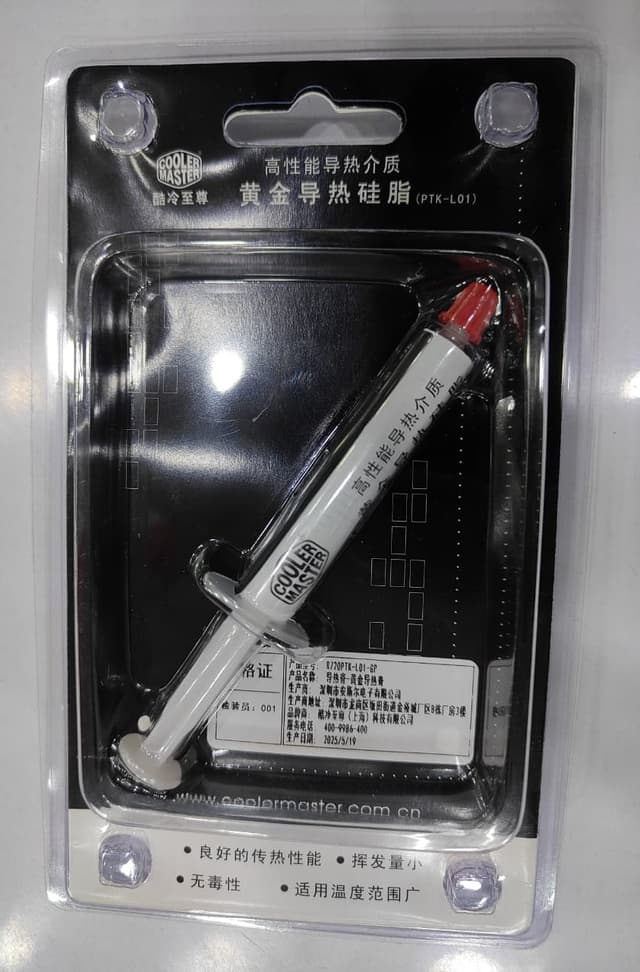
A hot processor slows itself down to stay safe. Clean the vents and fan, keep laptops on a hard surface or a cooling stand, and on PCs older than a few years have the old thermal paste replaced; a tube of PTK-L01 thermal paste costs Rs. 1,000.
The Two Upgrades That Make the Biggest Difference
11. Replace the hard disk with an SSD
If Task Manager shows an HDD, an SSD is the single best upgrade: Windows starts in seconds instead of minutes and apps open almost at once. Check which type your PC takes:
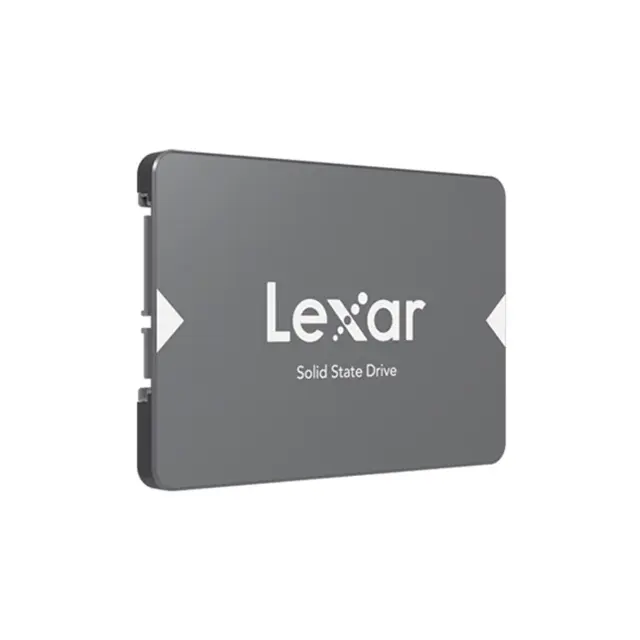
2.5-inch SATA SSD: replaces the 2.5-inch hard disk in most older laptops and fits any desktop.
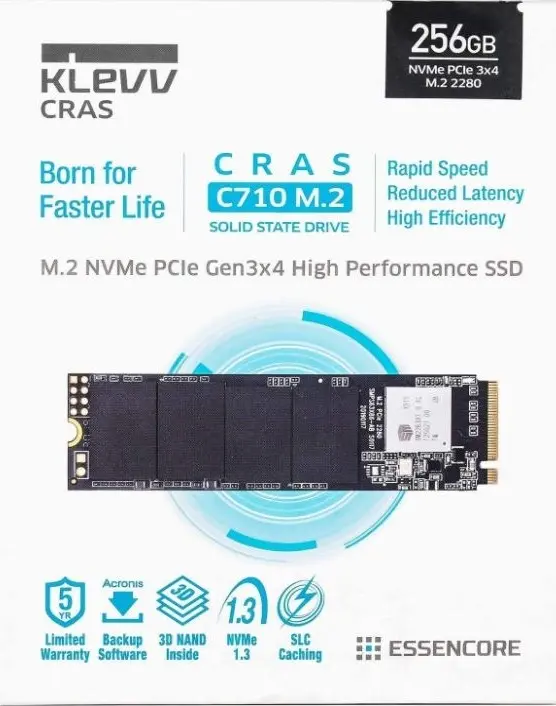
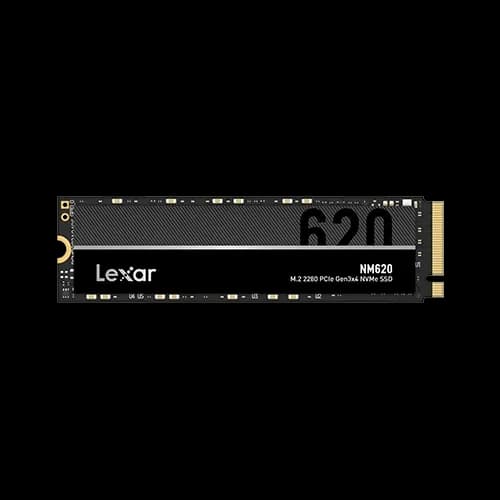
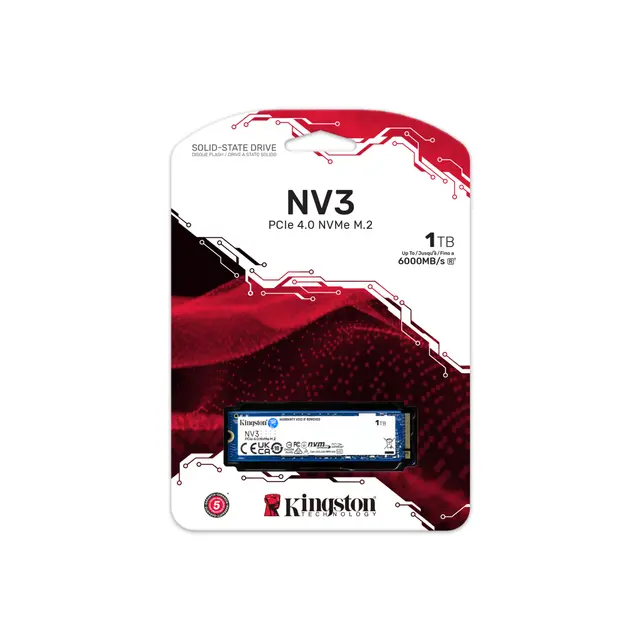
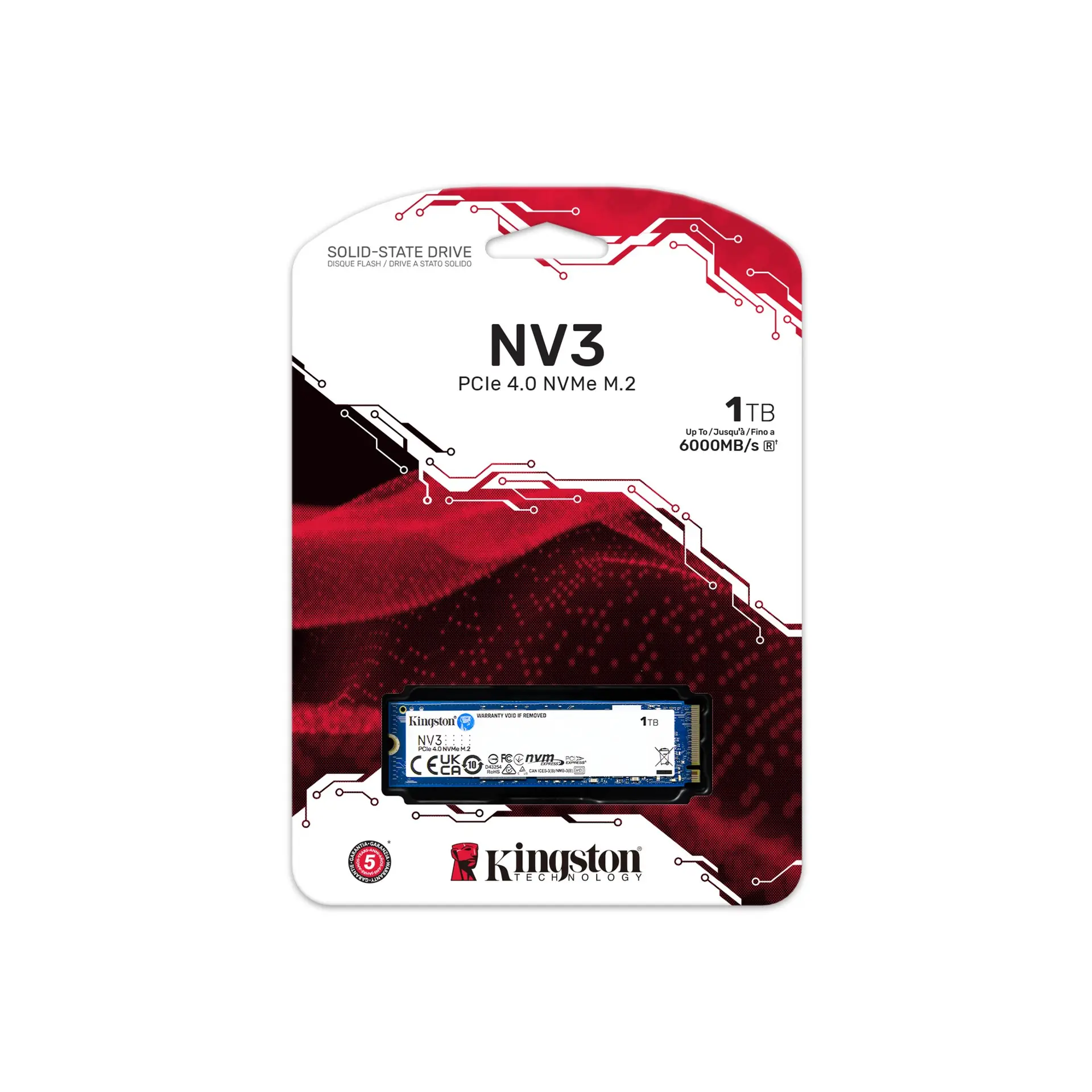
M.2 NVMe SSD: a small stick for newer laptops and motherboards with an M.2 slot; several times faster than SATA.
We can copy your Windows, files and apps from the old drive to the new SSD, so you do not have to start again.
12. Add more RAM
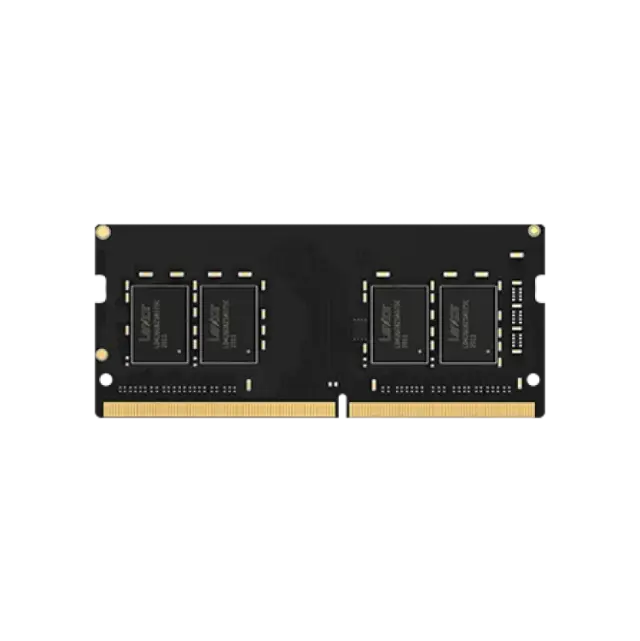
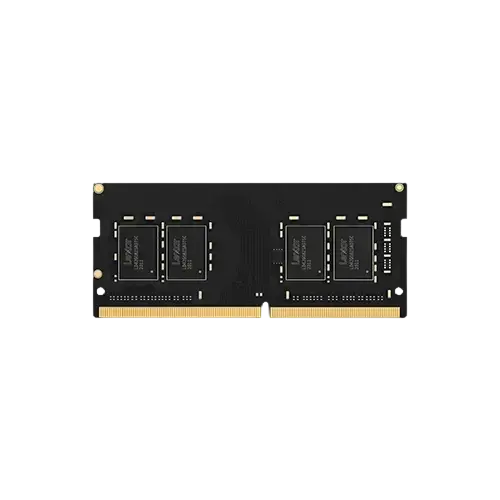
8GB is enough for light work; 16GB is the comfortable amount for Windows 11, many browser tabs and office work in 2026. Check in Task Manager whether your PC takes DDR4 or DDR5, laptop (SODIMM) or desktop (DIMM) memory, and whether a slot is free. On many thin laptops the RAM is soldered and cannot be upgraded.
SSD and RAM Upgrade Prices in Nepal
Prices at Proud Nepal on 22 November 2026:
Upgrade | Fits | Price |
|---|---|---|
2.5-inch bay (older laptops, desktops) | Rs. 11,250 | |
2.5-inch bay | Rs. 17,500 | |
M.2 slot, PCIe 3.0 | Rs. 6,500 | |
M.2 2280, PCIe 3.0 | Rs. 20,625 | |
M.2, PCIe 4.0 | Rs. 26,500 | |
Laptop, DDR4 SODIMM | Rs. 13,125 | |
Laptop, DDR4 SODIMM | Rs. 23,125 | |
Laptop, DDR5 SODIMM | Rs. 32,000 | |
Desktop, DDR4 DIMM | Rs. 10,000 |
See all NVMe SSDs and RAM. Building a new PC instead? Try Build My PC.
When Is It Time for a New Laptop or PC?
If your PC already has an SSD and 16GB of RAM and is still slow after the fixes above, or it cannot run Windows 11, an upgrade may cost more than it is worth. Compare our laptops and desktops, or ask us for advice.
Slow PC FAQ
Why is my laptop so slow all of a sudden?
Usually a Windows update running in the background, an app using all the processor or memory, a nearly full drive, malware, or overheating. Open Task Manager to see which.
Does an SSD really make a PC faster?
Yes, it is the biggest upgrade for a PC that still has a hard disk: start-up, opening apps and copying files all become many times faster.
Is 8GB RAM enough for Windows 11?
For light use, yes. For many browser tabs, office work with large files, or light editing, 16GB is much smoother.
Will resetting Windows make my PC faster?
Often, because it removes years of apps and clutter. Back up your files first. Our Windows and software installation service can do it for you and keep your data.
Can I upgrade the RAM in my laptop?
Only if it has a free or replaceable RAM slot. Many thin laptops have soldered memory. Tell us your laptop model and we will check.
Do I lose my data when I change to an SSD?
Not if the old drive is copied (cloned) to the new SSD. We do this when we fit the SSD.
Get Your PC Upgraded or Repaired
Bring your laptop or PC to our store at Putalisadak, Kathmandu, open every day from 10 am to 8 pm, for an SSD or RAM upgrade, a clean-up or a Windows reinstall. See our computer repair, Windows and software and IT support services, or contact us.