In this article
- First, Check Your Laptop Battery Health
- 10 Fixes When Your Laptop Battery Drains Fast
- 1. Turn on Energy saver
- 2. Choose a power-saving power mode
- 3. Lower screen brightness and refresh rate
- 4. Find the apps using the most battery
- 5. Stop apps from starting with Windows
- 6. Switch off what you are not using
- 7. Update Windows, drivers and BIOS
- 8. Scan for malware
- 9. Keep it cool
- 10. Use your laptop maker's battery care mode
- Signs You Need a New Laptop Battery
- How to Find the Right Replacement Battery
- Laptop Battery Price in Nepal
- Laptop Battery FAQ
- Why is my laptop battery draining so fast?
- How long does a laptop battery last?
- Is it bad to keep my laptop plugged in all the time?
- Can I use a laptop without a battery?
- Original or compatible laptop battery: which should I buy?
- What should I do with a swollen laptop battery?
- Need Help With Your Laptop?
Is your laptop battery draining fast? Most of the time the cause is a setting, an app running in the background or heat, and you can fix it in a few minutes. Sometimes the battery itself has worn out. This guide shows how to check your battery's health in Windows 11 and 10, ten fixes that make a charge last longer, the signs that it is time for a new battery, and laptop battery prices in Nepal.
First, Check Your Laptop Battery Health
Windows can make a battery report that shows how much charge your battery can still hold compared with when it was new.
Right-click Start and open Terminal (or Command Prompt).
Type powercfg /batteryreport and press Enter.
Windows saves battery-report.html in the folder the terminal shows (usually C:\Users\your-name). Open it in your browser.
Under Installed batteries, compare DESIGN CAPACITY with FULL CHARGE CAPACITY. Divide the second by the first to get the battery health.
The report also lists recent usage and charge cycles. As a rule of thumb:
Battery health | What it means | What to do |
|---|---|---|
80% or more | Normal wear | Use the fixes below; no new battery needed |
50% to 80% | Noticeably shorter backup | Fixes help; plan a replacement if backup is too short for you |
Below 50% | Worn out | Replace the battery |
10 Fixes When Your Laptop Battery Drains Fast
1. Turn on Energy saver
Open Settings → System → Power & battery. On Windows 11 24H2 and later the feature is called Energy saver; on Windows 10 and older Windows 11 it is Battery saver. Set it to turn on automatically at 20% or 30%, or keep it on whenever you are on battery.
2. Choose a power-saving power mode
In the same Power & battery page, set Power mode to Best power efficiency or Balanced when you are not plugged in. Best performance runs the processor harder and empties the battery faster.
3. Lower screen brightness and refresh rate
The screen is one of the biggest users of power. Lower the brightness, and on a 120Hz or 144Hz laptop set the refresh rate to 60Hz on battery: Settings → System → Display → Advanced display → Choose a refresh rate.
4. Find the apps using the most battery
Settings → System → Power & battery → Battery usage lists apps by how much battery they used. Close the heavy ones, and in each app's settings stop it from running in the background if you do not need it. Browsers with many tabs, games and video calls use the most.
5. Stop apps from starting with Windows
Settings → Apps → Startup shows every app that starts when Windows starts. Turn off the ones you do not need: they use power and memory all day. This also helps a slow laptop or PC.
6. Switch off what you are not using
Keyboard backlight, Bluetooth, and devices plugged into USB (a mouse receiver, phone being charged or external drive) all take power. Switch them off or unplug them on battery.
7. Update Windows, drivers and BIOS
Updates often fix battery drain. Run Windows Update (Settings → Windows Update), and install the chipset, graphics and BIOS updates from your laptop maker's support app or website.
8. Scan for malware
Malware that runs in the background keeps the processor busy and drains the battery. Run a full scan in Windows Security, or use a paid antivirus.
9. Keep it cool
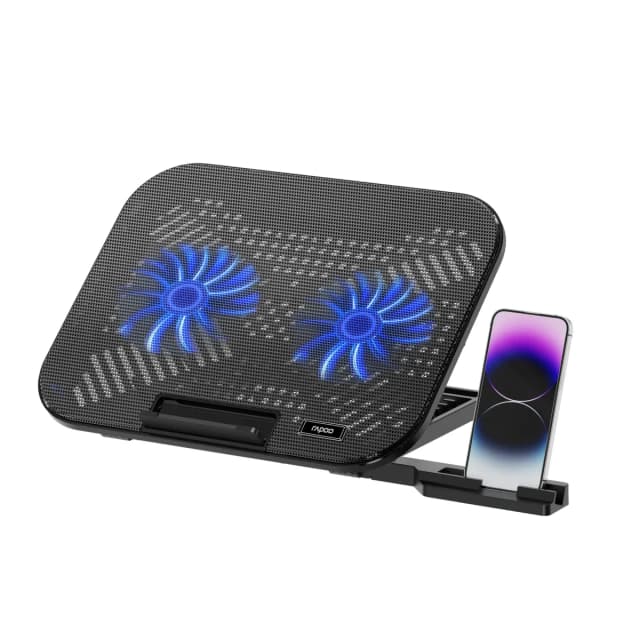
Heat makes a battery wear out faster. Clean dust from the vents, do not use the laptop on a bed or cushion, and use a laptop cooling stand such as the Rapoo CF200 (Rs. 1,800) for long work or gaming sessions. If the fan is loud all the time, the laptop may need cleaning and new thermal paste.
10. Use your laptop maker's battery care mode
If your laptop stays plugged in most of the day, keeping the battery at 100% all the time ages it faster. Most makers offer a mode that stops charging at about 60–80%: Lenovo Vantage (Conservation mode or Smart Charging), MyASUS (Battery Health Charging), Dell Power Manager or Dell Optimizer (Primarily AC use), and HP Battery Health Manager (in the BIOS on many HP business laptops).
Signs You Need a New Laptop Battery
Battery health below about 50% in the battery report.
The laptop shuts down at 20% or 30%, or the percentage jumps suddenly.
Windows shows a warning on the battery icon telling you to consider replacing the battery.
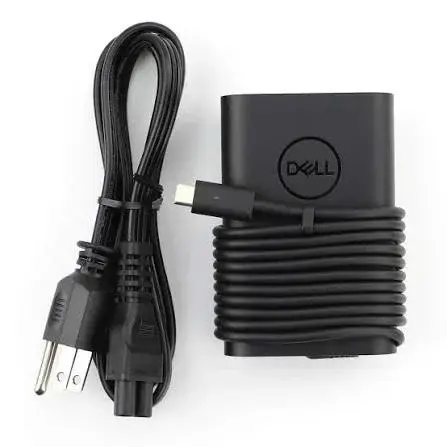
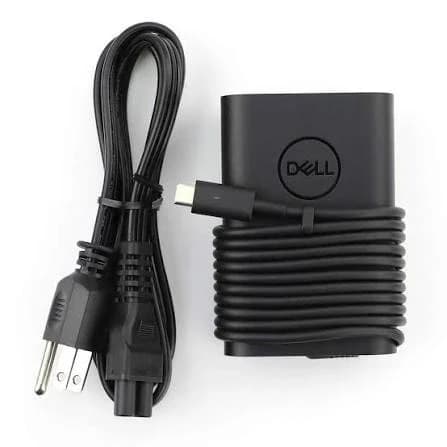
Plugged in, not charging, even with a known good charger (see how to choose the right laptop charger).
The battery is swollen: the touchpad lifts, the keyboard bulges or the case no longer closes flat. Stop using the laptop, unplug it and bring it for a replacement. A swollen battery is a safety risk.
How to Find the Right Replacement Battery
Note your laptop's exact model from the sticker underneath (for example HP Pavilion 15-au or Dell Inspiron 3551).
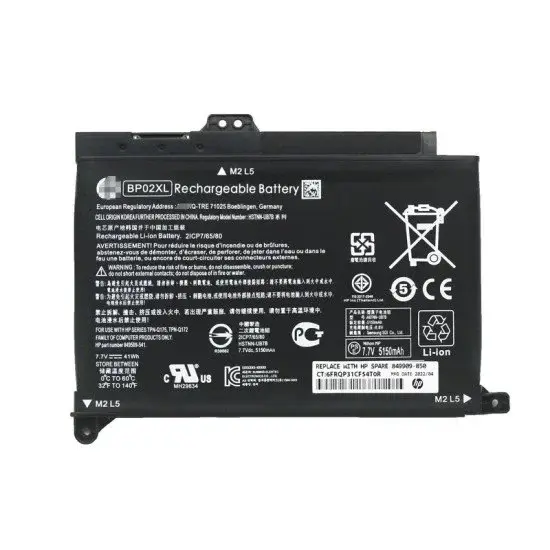
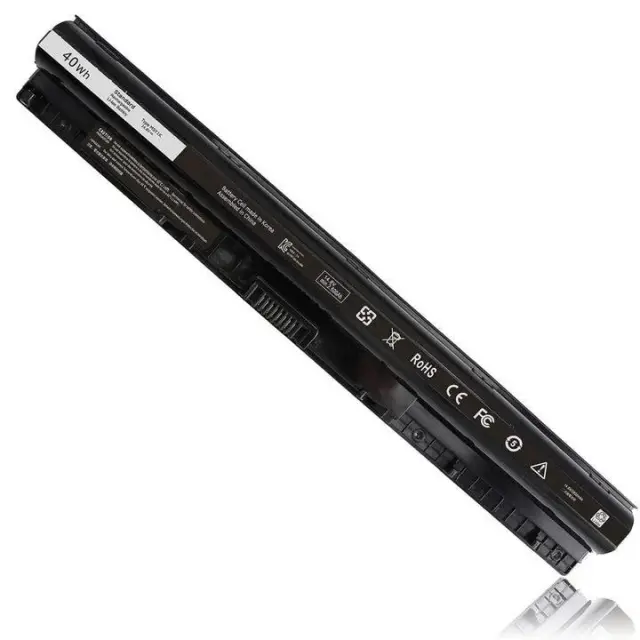
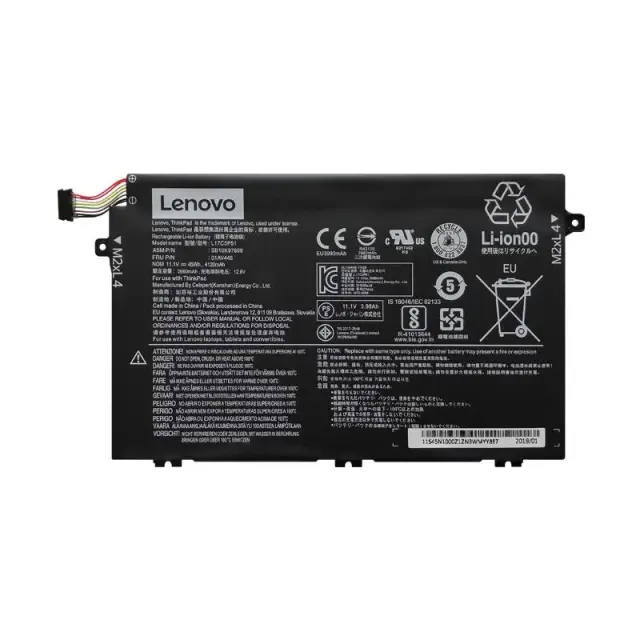
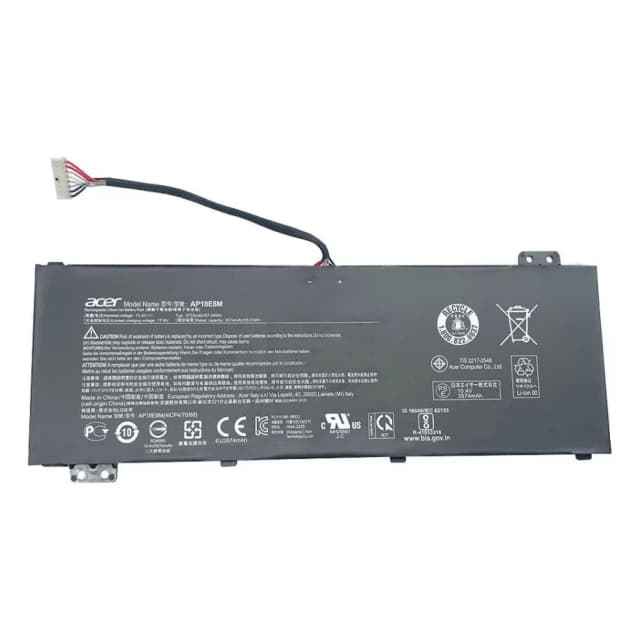
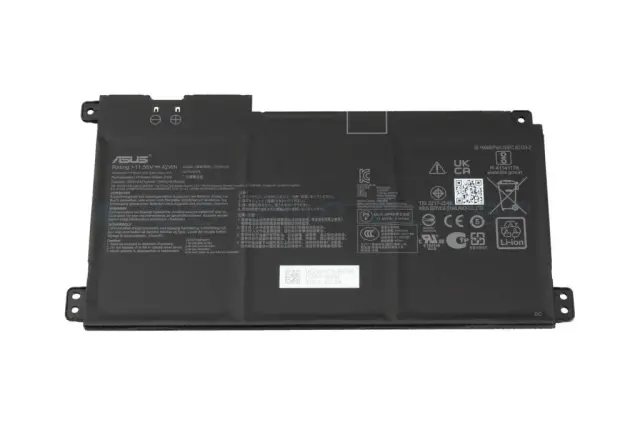
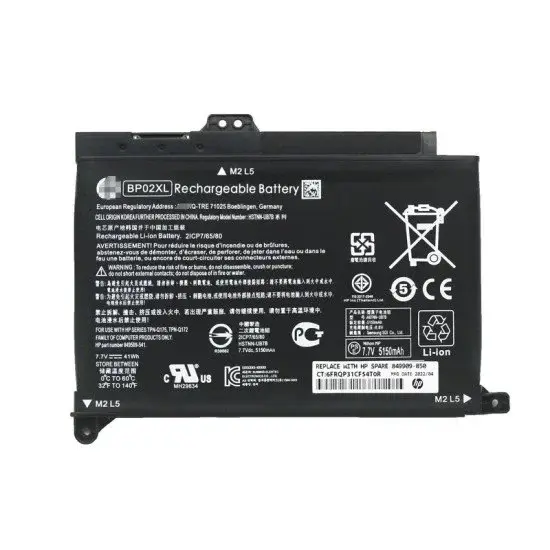
Find the battery's part number: on the battery label once the back is open, or in the battery report under NAME. Examples: HP BP02XL, Dell M5Y1K, ASUS B31N1912, Acer AP18C8K, Lenovo L17M3P52.
Match the part number (or a model listed as compatible) and the voltage. Our battery listings show the part number, voltage, capacity and the laptop models each battery fits.
Not sure? Send us the laptop model or a photo of the battery label and we will find the right one.
Laptop Battery Price in Nepal
Proud Nepal stocks over 100 laptop batteries for Dell, HP, Lenovo, Acer, ASUS and MacBook. Prices on 22 November 2026:
Brand | Price range | Example |
|---|---|---|
Dell | Rs. 3,000 – Rs. 6,500 | Dell M5Y1K original, Rs. 3,500 |
HP | Rs. 2,800 – Rs. 6,500 | HP BP02XL, Rs. 5,500 |
Lenovo | Rs. 3,200 – Rs. 6,500 | Lenovo ThinkPad E480 L17M3P52, Rs. 5,500 |
Acer | Rs. 2,800 – Rs. 6,000 | Acer AP18C8K (Nitro 5), Rs. 5,000 |
ASUS | Rs. 4,500 – Rs. 6,000 | ASUS B31N1912 (VivoBook 14 E410), Rs. 5,500 |
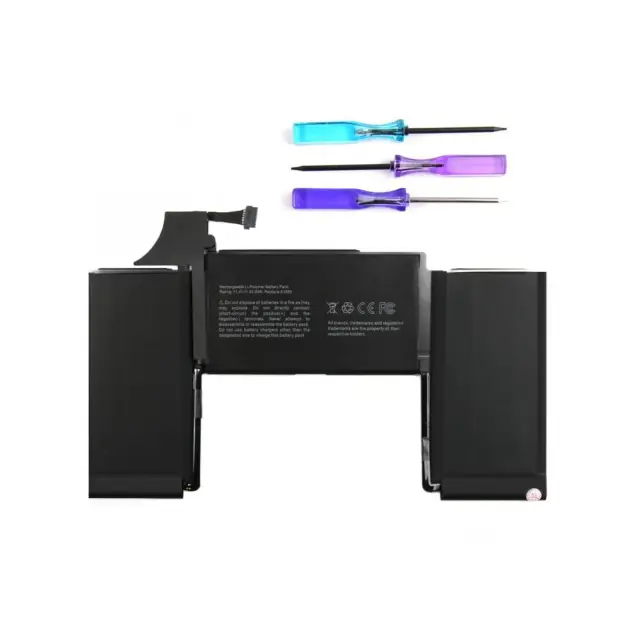
MacBook | Rs. 7,000 – Rs. 9,000 | A1965 for MacBook Air 13, Rs. 8,000 |
Each listing shows its warranty (6 months or 1 year, depending on the battery). See every laptop battery and laptop charger we stock.
Battery replacement takes a few minutes on most laptops; on models where the battery is glued or under the keyboard, our computer and laptop repair service can fit it for you.
Laptop Battery FAQ
Why is my laptop battery draining so fast?
Usually high screen brightness, apps running in the background, a performance power mode, heat or an old battery. Check the battery report first: if health is above 80%, the fixes above will help most.
How long does a laptop battery last?
Usually two to four years, depending on how many charge cycles it has done, heat and whether it sits at 100% all day. The battery report shows the cycle count.
Is it bad to keep my laptop plugged in all the time?
It will not damage the laptop, but staying at 100% and warm ages the battery faster. Use your laptop maker's battery care mode to stop charging at about 60–80%.
Can I use a laptop without a battery?
Many laptops run on the charger alone, but any power cut switches the laptop off at once and you lose unsaved work. A working battery acts as a built-in backup.
Original or compatible laptop battery: which should I buy?
Both work when the part number and voltage match. Original batteries cost more; good compatible batteries cost less and come with their own warranty. Each of our listings says which it is.
What should I do with a swollen laptop battery?
Stop using and charging the laptop, keep it away from heat, and bring it for a replacement. Do not press on or puncture the battery.
Need Help With Your Laptop?
Visit our store at Putalisadak, Kathmandu, open every day from 10 am to 8 pm, for battery checks and replacement, or see our computer repair and IT support services. You can also contact us with your laptop model.