In this article
- Read the Label: Volts, Amps and Watts
- Which Pin Does Your Laptop Need?
- USB-C Laptop Chargers
- Gaming Laptop Chargers
- Laptop Charger Price in Nepal
- Laptop Plugged In but Not Charging? Quick Checks
- Laptop Charger FAQ
- Can I use a higher-watt charger on my laptop?
- Can I use a lower-watt charger?
- Can I charge my laptop with a phone charger?
- Is a universal laptop charger safe?
- How do I know which charger my laptop needs?
- Why does my laptop charger get hot?
- Need the Right Charger?
Buying a laptop charger is easy once you know three things: the voltage, the watts and the connector (pin) your laptop needs. Get one of them wrong and the laptop will charge slowly, not charge at all, or even be damaged. This guide explains how to read your charger's label, how to choose the right pin or a USB-C charger, and what laptop chargers cost in Nepal.
Read the Label: Volts, Amps and Watts
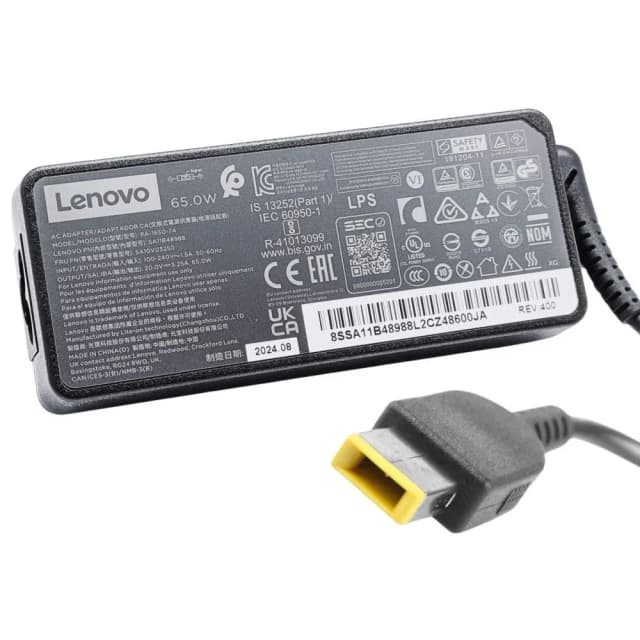
Turn your old charger (or the bottom of your laptop) over and find the OUTPUT line. It looks like 19.5V ⎓ 3.34A or 20V ⎓ 3.25A. Multiply the two to get the watts: 19.5 × 3.34 ≈ 65W.
On the label | What it means | Rule for a new charger |
|---|---|---|
Volts (V) | The pressure of the power, for example 19V, 19.5V or 20V | Must match your laptop exactly |
Amps (A) | How much current the charger can give | Same or higher |
Watts (W) | Volts × amps: the charger's power, for example 45W, 65W, 90W | Same or higher; never lower |
Connector | The pin size and shape, or USB-C | Must fit your laptop's port exactly |
A charger with more watts than your old one is safe: the laptop only takes the power it needs. A charger with fewer watts struggles: the laptop charges slowly, stops charging during games or video calls, or shows a warning. A wrong voltage can damage the laptop.
Which Pin Does Your Laptop Need?
Each brand uses a few connector sizes, and two pins that look alike may not fit. Compare your old charger's pin, or note your laptop's exact model and we will match it. These are the connectors our chargers are listed under:
Brand | Connectors (as listed) | Common outputs |
|---|---|---|
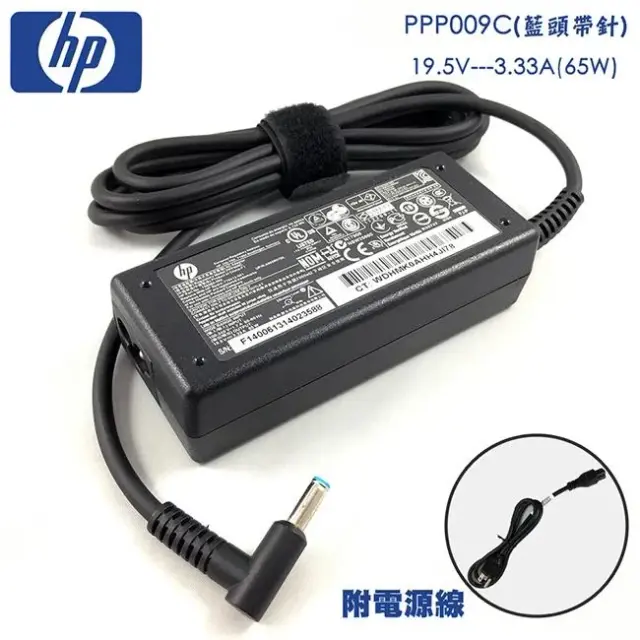
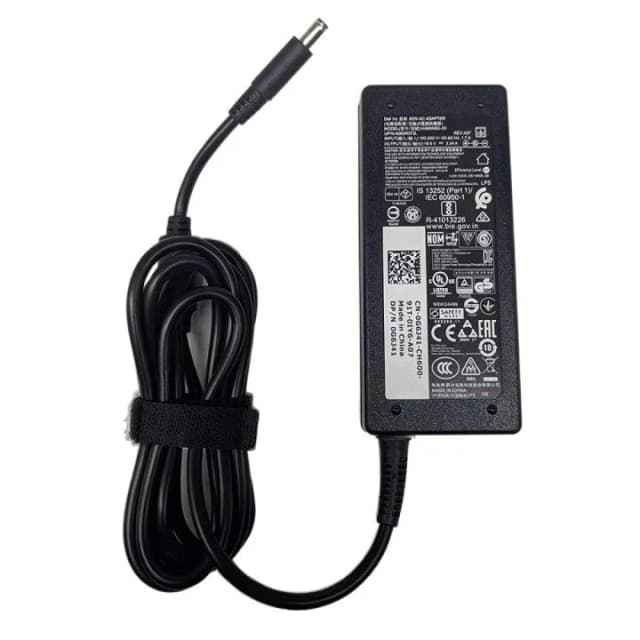
HP | Blue Pin, Big Pin, Bullet Pin (blue tip), Sleekbook Pin, USB-C | 18.5V 3.5A or 19.5V 3.33A (65W), 19.5V 4.62A (90W) |
Dell | Small Pin, Big Pin, USB-C | 19.5V 2.31A (45W), 19.5V 3.34A (65W), up to 240W for gaming |
Lenovo | New Pin (slim rectangular tip), Normal and Colour USB Pin, IBM Pin, Small Pin, Normal Pin, USB-C | 20V 3.25A (65W), 20V 8.5A (170W) |
ASUS | Normal Pin, Middle Pin, Alter Pin, Nokia Pin, TUF and gaming connectors | 19V 2.37A (45W), 19V 3.42A (65W), 20V 7.5A (150W) |
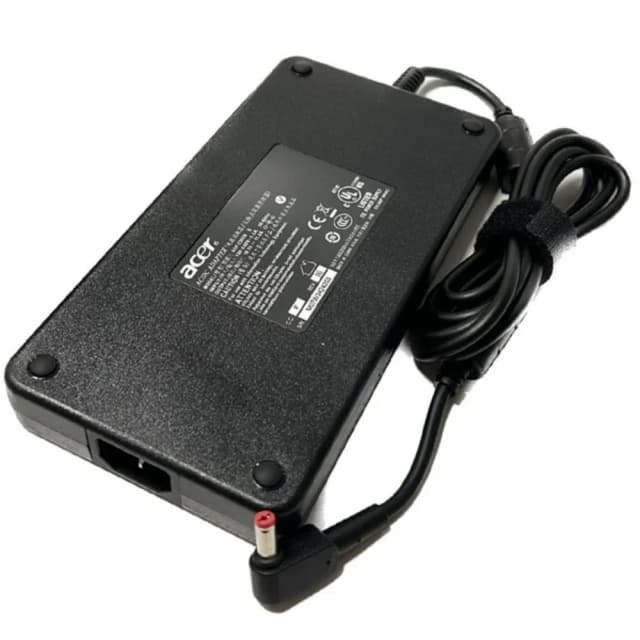
Acer | Normal Pin, Small Pin, Alter Pin, high-power gaming pin | 19V 3.42A (65W), 19V 7.1A (135W), 19.5V 11.8A (230W) |
Dell chargers have a thin centre pin that tells the laptop the charger's wattage. If it is bent or broken, or the charger is too small, a Dell laptop warns that it cannot work out the adapter type and may charge slowly or not at all.
USB-C Laptop Chargers
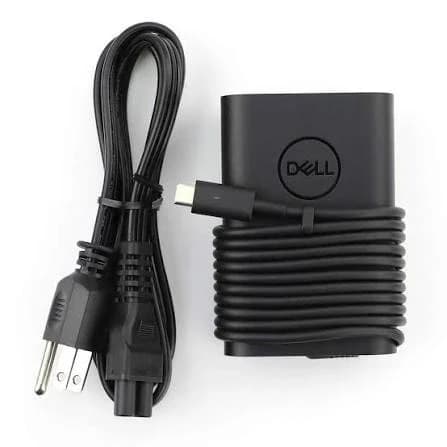
Many newer laptops charge through a USB-C port marked with a charging or Power Delivery symbol. A USB-C Power Delivery (PD) charger works with laptops from different brands, as long as:
your laptop's USB-C port supports charging (not every USB-C port does: check the laptop's manual or the symbol next to the port);
the charger gives at least the watts your laptop came with, usually 45W, 65W or 100W;
the cable is rated for the power: a 100W charger needs a 100W (5A) USB-C cable.
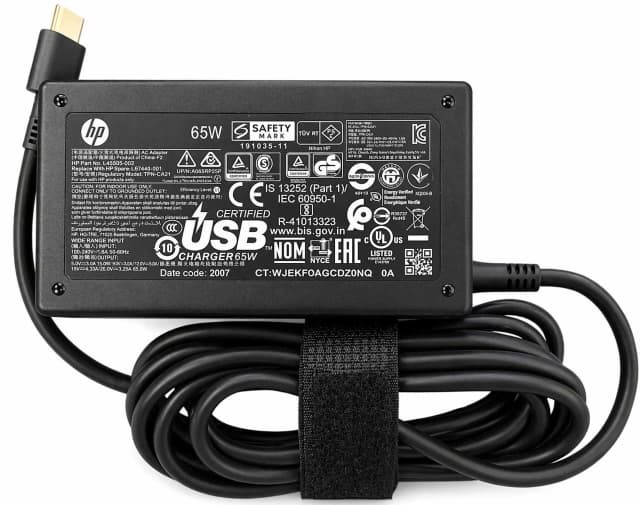
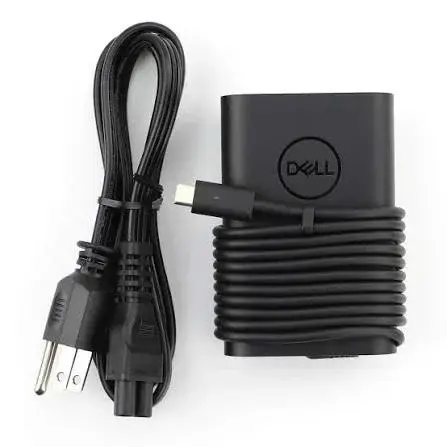
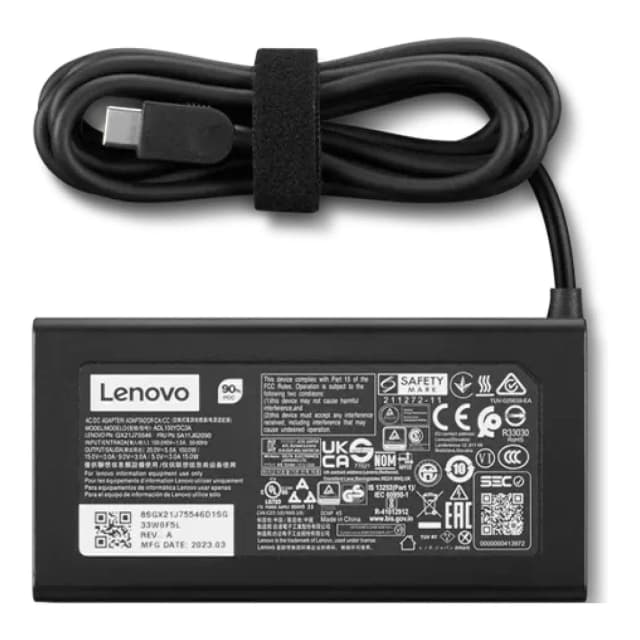
We stock 65W USB-C chargers from HP (Rs. 2,500), Dell (Rs. 2,200) and Lenovo (Rs. 2,500), and a Lenovo 100W USB-C charger (Rs. 4,000).
Gaming Laptop Chargers
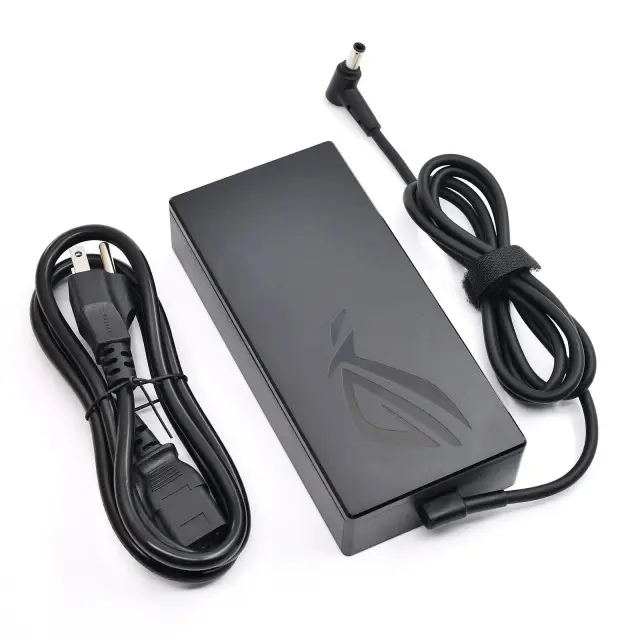
Gaming laptops need much more power (150W to 330W) and use their own high-power connectors. Use the wattage the laptop came with: a smaller charger makes the laptop slow down in games or drain the battery while plugged in. Examples: ASUS TUF 150W (Rs. 4,000), Acer 230W (Rs. 5,500) and Dell Big Pin 240W (Rs. 6,000).
Laptop Charger Price in Nepal
Prices at Proud Nepal on 22 November 2026. We stock 42 laptop chargers:
Charger | Output | Price |
|---|---|---|
18.5V 3.5A | Rs. 900 | |
19.5V 3.34A | Rs. 1,000 | |
20V 3.25A | Rs. 1,000 | |
19V 3.42A | Rs. 1,000 | |
19V 3.42A | Rs. 1,000 | |
Up to 20V 3.25A | Rs. 2,200 | |
Up to 20V 3.25A | Rs. 2,500 | |
Up to 20V 5A | Rs. 4,000 | |
20V 7.5A | Rs. 4,000 | |
19.5V 11.8A | Rs. 5,500 |
See every laptop charger by brand and pin.
Laptop Plugged In but Not Charging? Quick Checks
Check the charger's light (if it has one) and try another wall socket. Look for a bent pin, a loose plug or a cut or burnt cable.
Remove dust from the laptop's charging port; make sure the pin goes in fully.
Make sure the charger has enough watts for the laptop (see the label).
In Windows, open Device Manager → Batteries, right-click Microsoft ACPI-Compliant Control Method Battery, choose Uninstall device, then restart. Windows reinstalls it.
Check your laptop maker's battery care mode (Lenovo Vantage, MyASUS, Dell Power Manager): it may be holding the charge at 60–80% on purpose.
Still not charging? The battery or the charging port may be faulty. See how to check laptop battery health, or bring it to our repair service.
Laptop Charger FAQ
Can I use a higher-watt charger on my laptop?
Yes, if the voltage and connector match. The laptop only draws the power it needs, so a 90W charger is safe on a laptop that came with 65W.
Can I use a lower-watt charger?
Not recommended. A 45W charger on a 65W laptop charges very slowly or not at all under load, and may overheat.
Can I charge my laptop with a phone charger?
Only through a USB-C port that supports charging, and only slowly: most phone chargers give 15–25W, far less than a laptop needs. Use it only in an emergency.
Is a universal laptop charger safe?
It can be, if you set the right voltage and use the correct tip, but a charger made for your brand and pin is simpler and safer.
How do I know which charger my laptop needs?
Read the OUTPUT line on your old charger or the INPUT on the sticker under the laptop, and compare the pin. Or send us your laptop model and a photo of the pin.
Why does my laptop charger get hot?
Chargers get warm while working; that is normal. If it is too hot to hold, smells of burning or the cable is damaged, stop using it and replace it.
Need the Right Charger?
Bring your laptop or old charger to our store at Putalisadak, Kathmandu, open every day from 10 am to 8 pm, and we will match the pin and wattage, or contact us with your laptop model. For charging faults, see our computer and laptop repair and chip-level repair services.