In this article
- Rapoo Wireless Keyboard Price in Nepal (2026)
- 2.4GHz or Bluetooth: Which Wireless Do You Need?
- Rapoo Wireless Keyboard and Mouse Combos Under Rs. 3,000
- Rapoo Bluetooth Keyboard and Mouse Combos
- Rapoo Wireless Keyboards Without a Mouse
- Full Size or Compact: Do You Need a Number Pad?
- Membrane or Scissor Keys?
- Best Rapoo Wireless Keyboard for Office, Laptop, Tablet and TV
- Wireless or Wired Rapoo Keyboard?
- How to Connect a Rapoo Wireless Keyboard
- Rapoo Wireless Keyboard Not Working? 6 Fixes
- Rapoo Wireless Keyboard FAQ
- What is the price of a Rapoo wireless keyboard in Nepal?
- Which is the cheapest Rapoo keyboard and mouse combo?
- Which Rapoo keyboards have Bluetooth?
- Can I use a Rapoo keyboard with a mobile phone or iPad?
- Is a Rapoo wireless keyboard rechargeable?
- How long do the batteries last?
- Are Rapoo wireless keyboards spill-resistant?
- Does a Rapoo wireless keyboard work with a smart TV?
- What if I lose the USB receiver?
- Can I type Nepali on a Rapoo keyboard?
- Do Rapoo wireless keyboards have a warranty?
- Where can I buy a Rapoo wireless keyboard in Kathmandu?
- Buy a Rapoo Wireless Keyboard in Kathmandu, with Delivery Across Nepal
The Rapoo wireless keyboard price in Nepal runs from Rs. 2,600 for the Rapoo X1800S keyboard and mouse set to Rs. 5,000 for the Rapoo E900T with a built-in touchpad at Proud Nepal IT Suppliers, Kathmandu. This guide lists all nine models, explains 2.4GHz and Bluetooth in plain words, and helps you choose one for an office, a laptop, a tablet or a TV. Prices as of 29 November 2026.
Rapoo Wireless Keyboard Price in Nepal (2026)
Model | Price | What you get | Keys | Connection |
|---|---|---|---|---|
Rs. 2,600 | Keyboard and mouse | 104, with number pad | 2.4GHz | |
Rs. 2,640 | Keyboard and mouse | 104, with number pad | 2.4GHz | |
Rs. 2,640 | Keyboard and mouse | Full size, with number pad | 2.4GHz | |
Rs. 3,200 | Keyboard and mouse | 87, compact | Bluetooth and 2.4GHz | |
Rs. 4,000 | Slim keyboard and mouse | 78, compact | Bluetooth and 2.4GHz | |
Rs. 4,160 | Keyboard and mouse | Full size, with number pad | Bluetooth and 2.4GHz | |
Rs. 4,160 | Slim keyboard | 78, compact | Bluetooth and 2.4GHz | |
Rs. 4,500 | Slim keyboard and mouse | 78, compact | Bluetooth and 2.4GHz | |
Rs. 5,000 | Slim keyboard with touchpad | 73, compact | Bluetooth and 2.4GHz |
Every model in this table has a 1 year warranty. Proud Nepal IT Suppliers is an authorized supplier of Rapoo accessories and conference systems in Nepal; see the whole range on our Rapoo products page, or compare brands in keyboard and mouse combos and multimedia keyboards.
2.4GHz or Bluetooth: Which Wireless Do You Need?
Rapoo makes two kinds of wireless keyboard. 2.4GHz models talk to a small USB receiver that you plug into the computer. Multi-mode models have the same receiver and Bluetooth as well, so they also work with devices that have no spare USB port.
Compare | 2.4GHz (USB receiver) | Bluetooth |
|---|---|---|
Setup | Plug in the receiver and type | Pair once in the device's settings |
USB port | Uses one | Uses none |
Works with | PCs and laptops with a USB-A port | Laptops, tablets, phones and PCs with Bluetooth |
Before Windows starts | Usually works in the BIOS | Usually doesn't work in the BIOS |
Several devices | One, where the receiver is plugged in | More than one, switch with a key |
Best for | Desktop PCs, billing counters, offices | Laptops, tablets, phones, two computers |
Rapoo models |
Many desktop PCs have no Bluetooth. If you are buying for one, a 2.4GHz set is the simple and cheaper choice. All the sets and keyboards here that state a range work up to 10 metres away.
Rapoo Wireless Keyboard and Mouse Combos Under Rs. 3,000
Three 2.4GHz sets with a full keyboard, a number pad and a 1000 DPI mouse. They cost almost the same, so choose by body and feel.
Model | Price | Keyboard size | Keyboard weight | Works with |
|---|---|---|---|---|
Rs. 2,600 | 392 × 125.6 × 28.9 mm | About 391 g | Windows | |
Rs. 2,640 | 435.75 × 157.01 × 29.73 mm | About 533–571 g | Windows, macOS | |
Rs. 2,640 | 450 × 186 × 23 mm | 391 g | Windows, macOS |
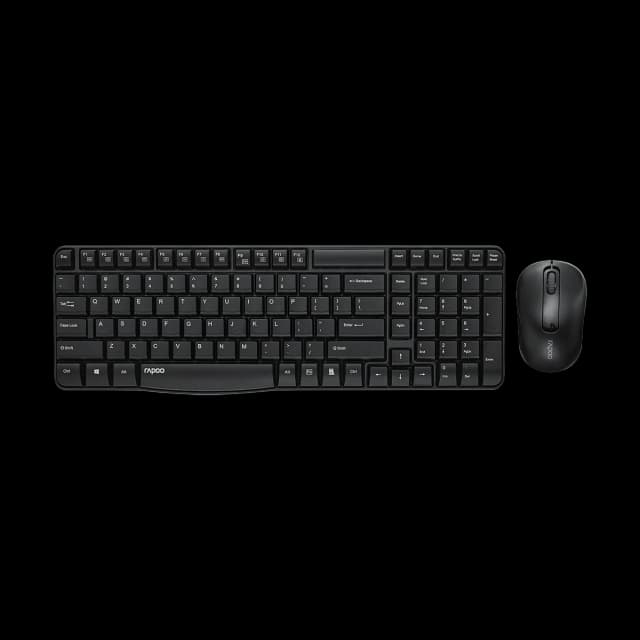
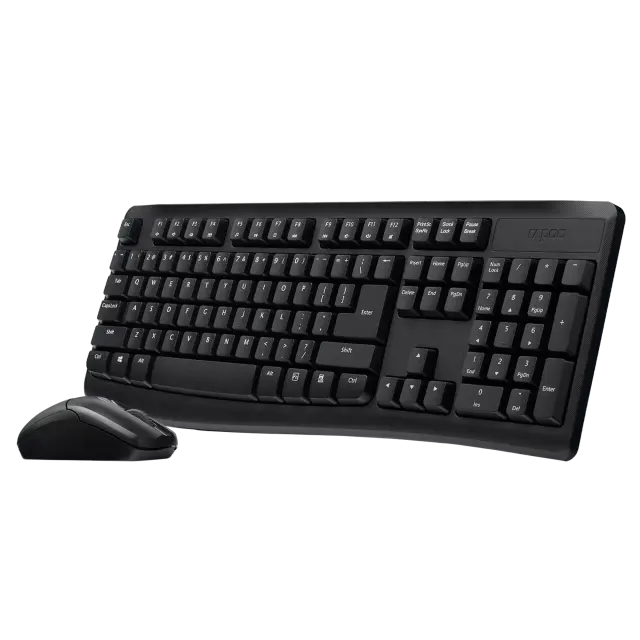
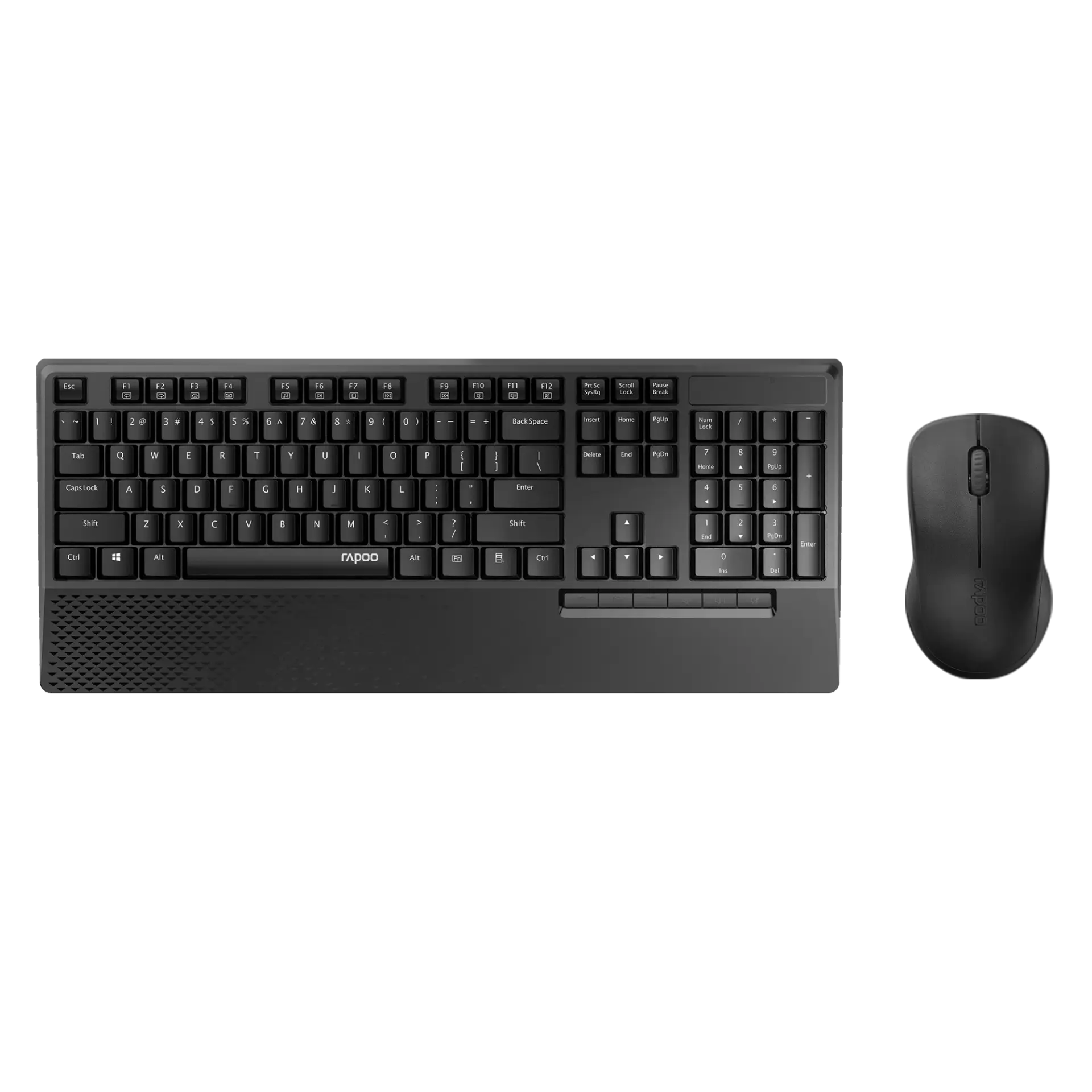
Rapoo X1800S – Rs. 2,600. The lowest-priced Rapoo wireless set here, and the shortest full keyboard: 104 keys in 39 cm. Spill-resistant, with 12 Fn multimedia keys, 3.6 mm key travel and one AA battery each in the keyboard and the mouse.
Rapoo X1800PRO – Rs. 2,640. A standard-size 104-key keyboard with laser-carved keycaps and a spill-resistant body. The receiver can be stored away when you travel. The keys are rated for up to 5 million presses.
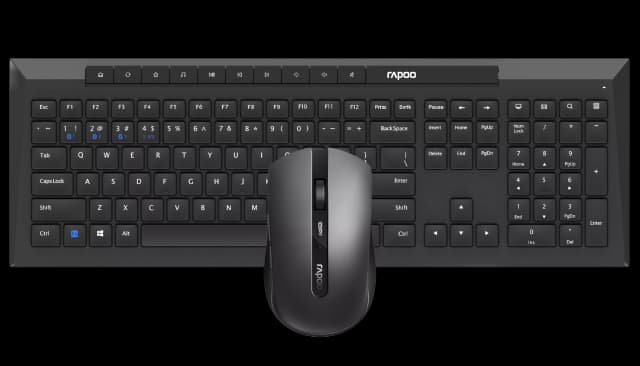
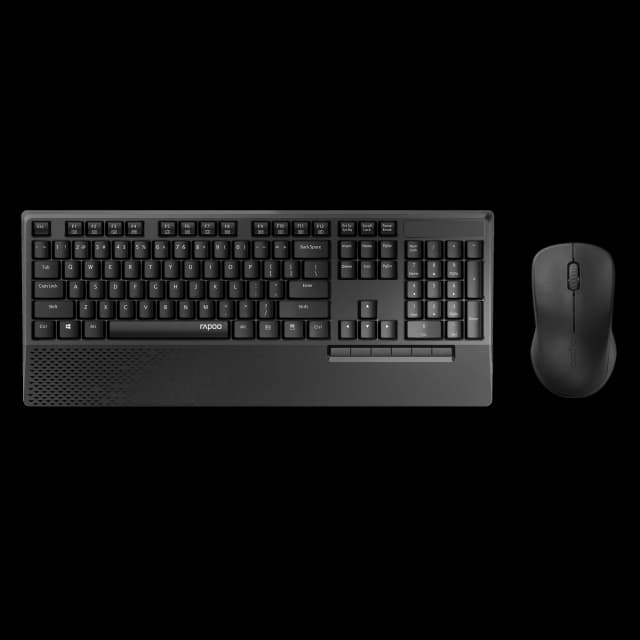
Rapoo X1960 – Rs. 2,640. A full-size keyboard with a wide rest for your palms in front of the keys, multimedia keys and no driver to install. The set is listed for up to 12 months of battery life.
Rapoo Bluetooth Keyboard and Mouse Combos
These sets connect by Bluetooth or the 2.4GHz receiver, so one keyboard can serve a PC, a laptop and a phone.
Model | Price | Keyboard devices | Mouse DPI | Battery life |
|---|---|---|---|---|
Rs. 3,200 | Up to 4 | 1300 | Keyboard up to 12 months, mouse up to 9 | |
Rs. 4,000 | Up to 4 | 800–2400, 5 levels | Up to 12 months | |
Rs. 4,160 | Up to 3 | 600–1600, 4 levels | Keyboard up to 12 months, mouse up to 9 | |
Rs. 4,500 | Up to 4 | 800–2400, 5 levels | Up to 12 months |
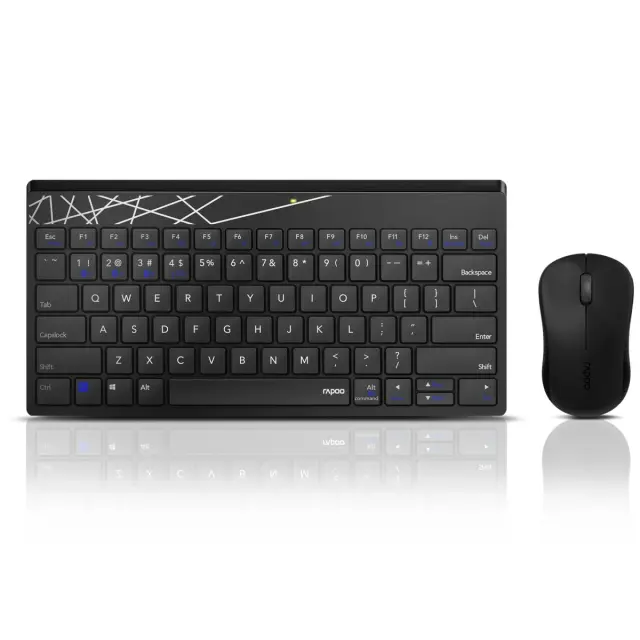
Rapoo 8000M – Rs. 3,200. The lowest-priced Rapoo set with Bluetooth: an 87-key compact, spill-resistant keyboard and a mouse with silent clicks for either hand. The keys are rated for up to 10 million presses.
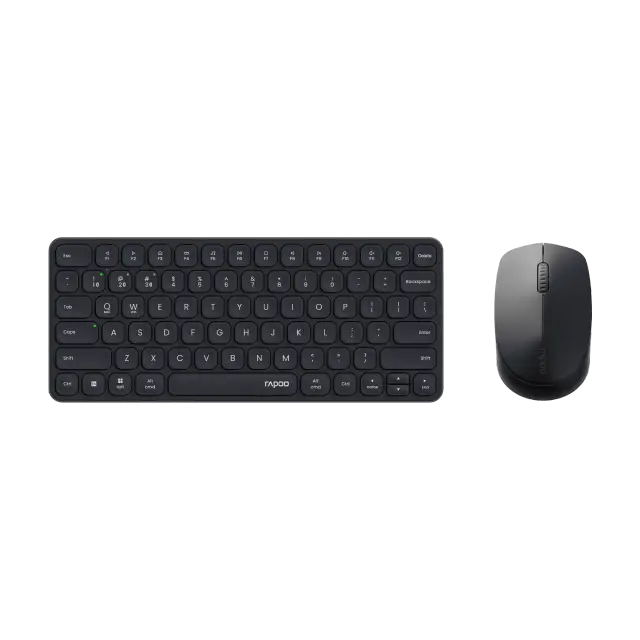
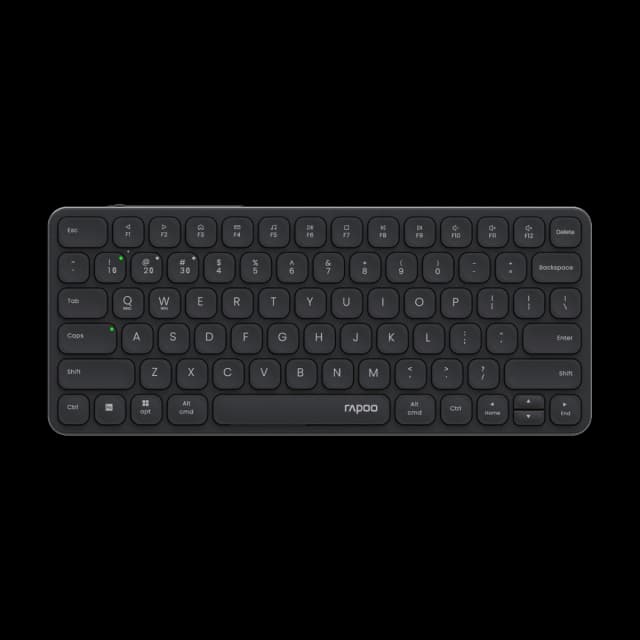
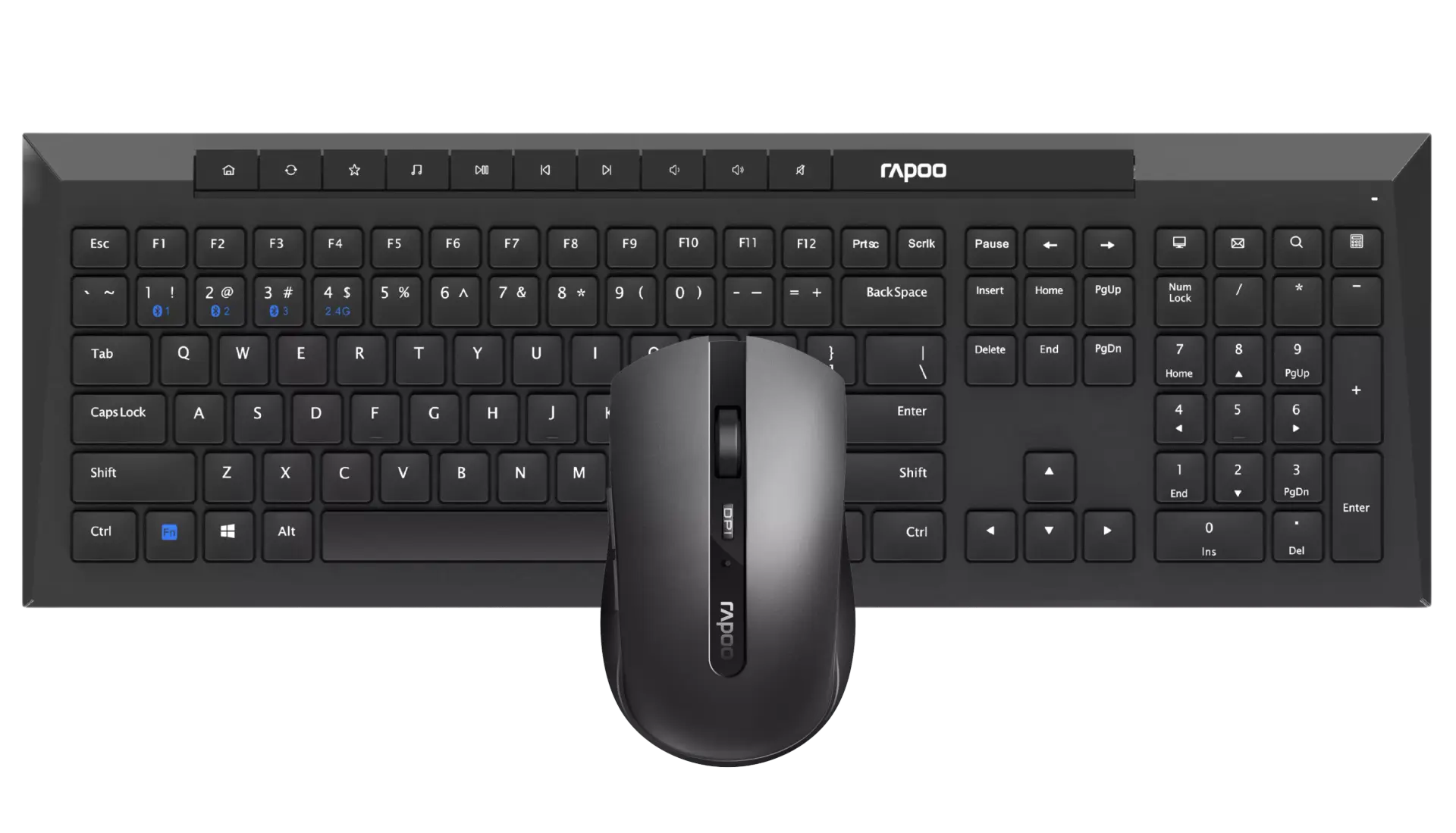
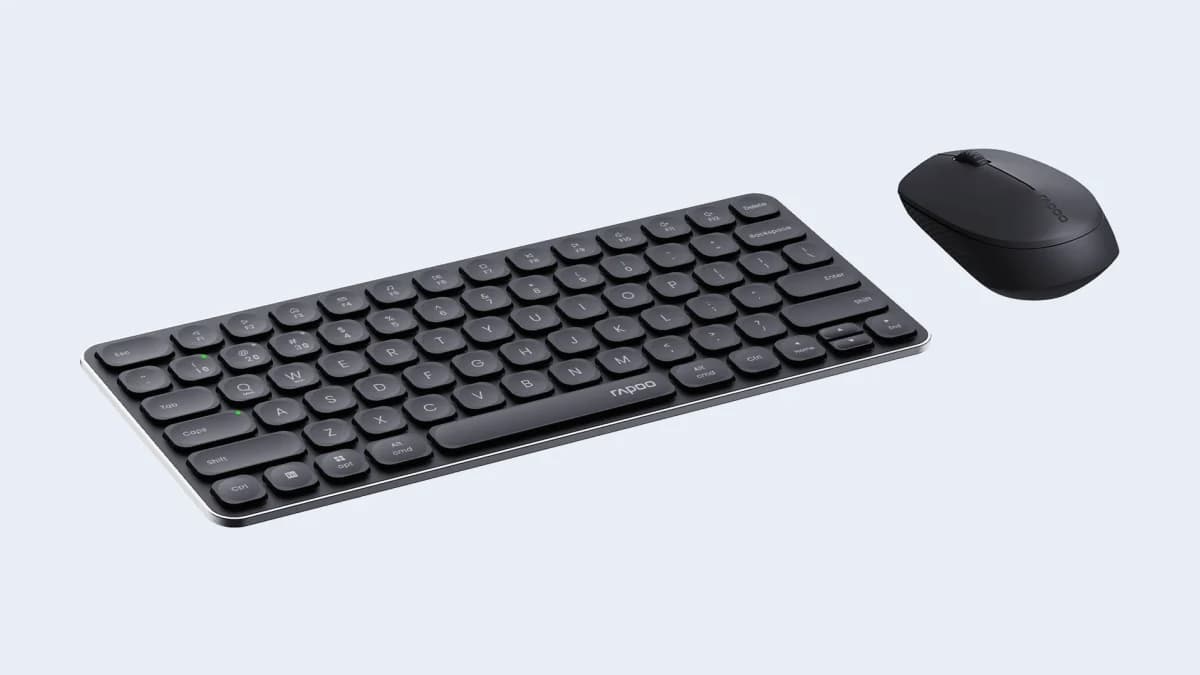
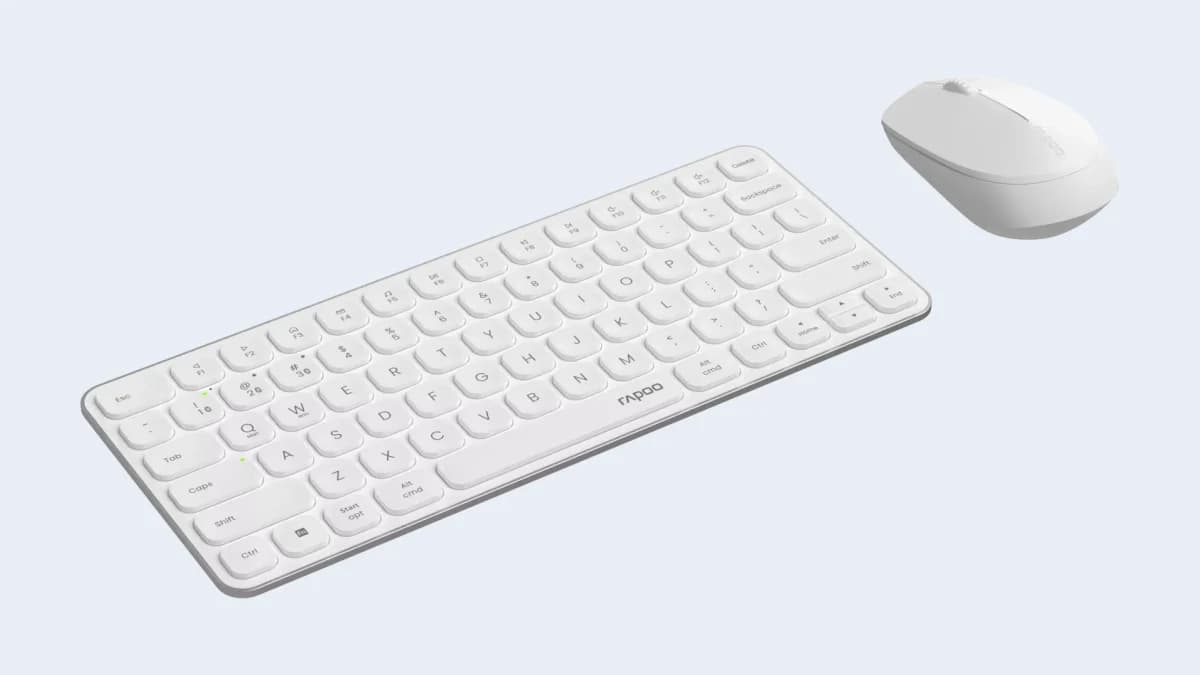
Rapoo 9010M Black – Rs. 4,000. A 78-key keyboard with an aluminium alloy frame and base, 3.9 mm at its thinnest, laptop-style scissor keys, and a light 53 g mouse. Runs on two AAA batteries (keyboard) and one AA (mouse).
Rapoo 8210M – Rs. 4,160. The only multi-mode set here with a number pad. Spill-resistant full-size keyboard, and a five-button mouse with silent clicks and a side scroll.
Rapoo 9010M White – Rs. 4,500. The same set as the 9010M Black, in white.
Rapoo Wireless Keyboards Without a Mouse
Rapoo E9050L – Rs. 4,160. The rechargeable one: a built-in 500mAh battery charged by USB-C, listed for up to 240 hours on 2.4GHz or 160 hours on Bluetooth. 78 scissor keys, an aluminium alloy base, a 5.3 mm slim body, 292 g and up to 4 devices.
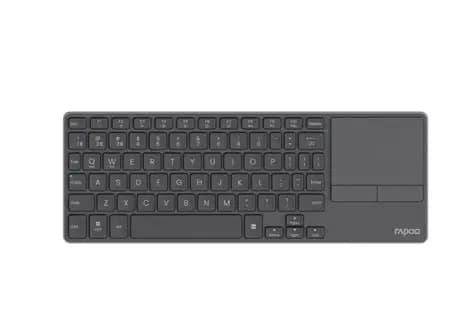
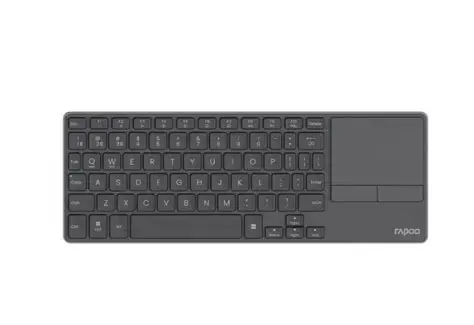
Rapoo E900T – Rs. 5,000. 73 scissor keys and a 74 mm touchpad with left and right buttons, so you need no mouse. 3.9 mm slim, with an anodized aluminium back, Windows and macOS gestures, up to 4 devices and up to 13 months on two AAA batteries. It suits a smart TV, a projector or a meeting room.
Full Size or Compact: Do You Need a Number Pad?
Layout | Choose it for | Models |
|---|---|---|
Full size with number pad | Accounts, Tally, Excel, billing and data entry | |
Compact, 87 keys | Small desks where you still want a usual keyboard feel | |
Slim compact, 78 keys | Beside a laptop, in a bag, with a tablet | |
73 keys with touchpad | Sofa, TV, projector and meeting room |
If you enter numbers every day, choose a full-size model even when your desk is small: the X1800S is only 39 cm wide.
Membrane or Scissor Keys?
The X1800S, X1800PRO, X1960 and 8000M are listed with membrane keys: soft, quiet and good value. The 9010M, E9050L and E900T have scissor keys, the low keys you know from a laptop, with a short press (1.5 mm on the E9050L). If you want the firm, separate switches that gamers like, none of these is mechanical; read our mechanical keyboard price list, which includes two wired Rapoo models.
Best Rapoo Wireless Keyboard for Office, Laptop, Tablet and TV
You need | Choose | Price | Why |
|---|---|---|---|
Lowest price with a mouse | Rs. 2,600 | 104 keys and a mouse, spill-resistant | |
Accounts and billing | Rs. 2,640 | Standard-size keys and number pad | |
Long typing hours | Rs. 2,640 | Palm rest in front of the keys | |
Laptop and phone together | Rs. 3,200 | Bluetooth, up to 4 devices, at the lowest price | |
A neat desk | Rs. 4,000 / Rs. 4,500 | Slim aluminium keyboard with a matching mouse | |
Number pad and Bluetooth | Rs. 4,160 | Full size, multi-mode, silent mouse | |
No battery to buy | Rs. 4,160 | Charges by USB-C | |
Smart TV or projector | Rs. 5,000 | Touchpad built in |
Wireless or Wired Rapoo Keyboard?
A wired keyboard costs less and never needs a battery: the 104-key Rapoo NK2600 is Rs. 1,100 and the Rapoo NK1900 is Rs. 1,200. Choose wired for a fixed counter or computer lab, where receivers and batteries go missing. Choose wireless for a clean desk, a laptop you move around, or a screen across the room.
How to Connect a Rapoo Wireless Keyboard
Batteries first: pull out the plastic tab or put in the batteries, matching + and –. Charge the E9050L by USB-C.
By 2.4GHz: take out the nano receiver (some models store it inside the mouse or keyboard), plug it into a USB port and wait a few seconds. No driver is needed.
By Bluetooth: put the keyboard in pairing mode with its Bluetooth key, as shown in the leaflet in the box.
On Windows 11: open Settings → Bluetooth & devices → Add device → Bluetooth and choose the Rapoo keyboard. Type the code if one is shown, then press Enter.
On a phone or tablet: open Settings → Bluetooth and choose the keyboard.
More devices: save each device on its own channel, then switch between them with the channel key.
Rapoo Wireless Keyboard Not Working? 6 Fixes
Change the batteries, even if they are new, and check which way they face.
Move the receiver to another USB port, at the front of the PC and not behind a metal case.
On a multi-mode keyboard, check that it is on the right channel. This is the usual reason when it “suddenly stops”.
Remove the keyboard from the Bluetooth list and pair it again.
If it lags, move the receiver away from a Wi-Fi router, an external hard disk or a USB 3.0 hub; a short USB extension helps.
Try it on another computer. If it fails there too, bring it to us with the bill for warranty.
Rapoo Wireless Keyboard FAQ
What is the price of a Rapoo wireless keyboard in Nepal?
At Proud Nepal, Rapoo wireless keyboards and sets cost from Rs. 2,600 (X1800S, with a mouse) to Rs. 5,000 (E900T, with a touchpad). Bluetooth sets start at Rs. 3,200 (8000M).
Which is the cheapest Rapoo keyboard and mouse combo?
The Rapoo X1800S at Rs. 2,600. The X1800PRO and X1960 follow at Rs. 2,640 each.
Which Rapoo keyboards have Bluetooth?
The 8000M, 8210M, 9010M (black and white), E9050L and E900T. The X1800S, X1800PRO and X1960 use the 2.4GHz USB receiver only.
Can I use a Rapoo keyboard with a mobile phone or iPad?
Yes, with a Bluetooth model. The 8000M, 8210M, 9010M and E9050L are listed for Android and iOS as well as Windows, macOS and Chrome OS.
Is a Rapoo wireless keyboard rechargeable?
The E9050L is: it charges by USB-C. The other eight models are listed with battery life in months on ordinary batteries.
How long do the batteries last?
Rapoo lists up to 12 months for the keyboards in the sets and up to 13 months for the E900T. Real life depends on how many hours you type.
Are Rapoo wireless keyboards spill-resistant?
The X1800S, X1800PRO, 8000M and 8210M are listed as spill-resistant. That covers a small spill, not a soaking: turn it over, take out the batteries and let it dry.
Does a Rapoo wireless keyboard work with a smart TV?
The E900T is listed for smart TV, PC and tablet. Other models work if the TV accepts a Bluetooth or USB keyboard; check the TV's manual first.
What if I lose the USB receiver?
A Bluetooth model keeps working by Bluetooth. A 2.4GHz model needs its receiver, so keep it plugged in, or stored in its slot when you travel. Contact us before buying a spare.
Can I type Nepali on a Rapoo keyboard?
Yes. Add a Nepali layout in Windows or on your phone and type in Nepali Unicode. The letters printed on the keys are English.
Do Rapoo wireless keyboards have a warranty?
Yes, all nine models have a 1 year warranty. Keep your bill.
Where can I buy a Rapoo wireless keyboard in Kathmandu?
At our store at Putalisadak, Kathmandu, open every day from 10 am to 8 pm, or order online. Delivery is usually the same day inside Kathmandu Valley and 2 to 3 days elsewhere in Nepal.
Buy a Rapoo Wireless Keyboard in Kathmandu, with Delivery Across Nepal
Delivery is free within Kathmandu Valley (Kathmandu, Lalitpur and Bhaktapur) and usually arrives the same day. We deliver to Pokhara, Biratnagar, Butwal, Chitwan, Dharan and the rest of Nepal in 2 to 3 days with Nepal Can Move; charges outside the Valley depend on the location. Where a listing names more than one colour, ask us which is in stock before you order.
Setting up a desk? See our laptop price list for students and office work and monitor price list, or add a separate wired or wireless mouse. For offices, schools and banks buying in quantity, see bulk procurement, get a quote or contact us.